Note
•
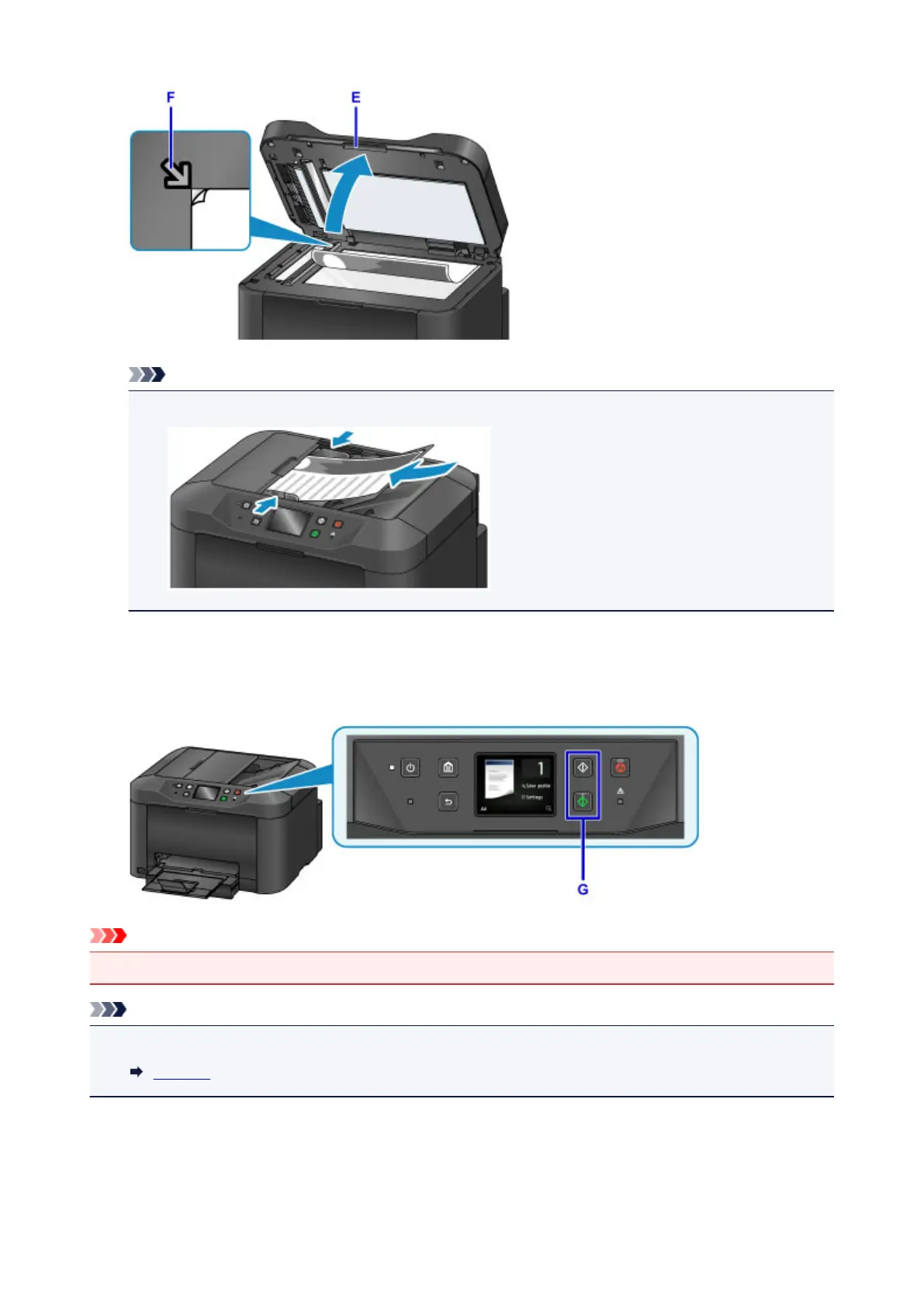
For continuous copying of multiple originals, use the ADF (Auto Document Feeder).
11.
Close the document cover.
12.
Check the paper settings, and then press the Black or Color button (G).
Important
• Do not open the document cover until copying is finished.
Note
• The machine offers many other convenient copying features.
Copying
45









 To Next Page