2. Start Google Chrome browser on your computer.
3. Select Sign in to Chrome... from (Chrome menu).
4. Log in to your Google account.
5.
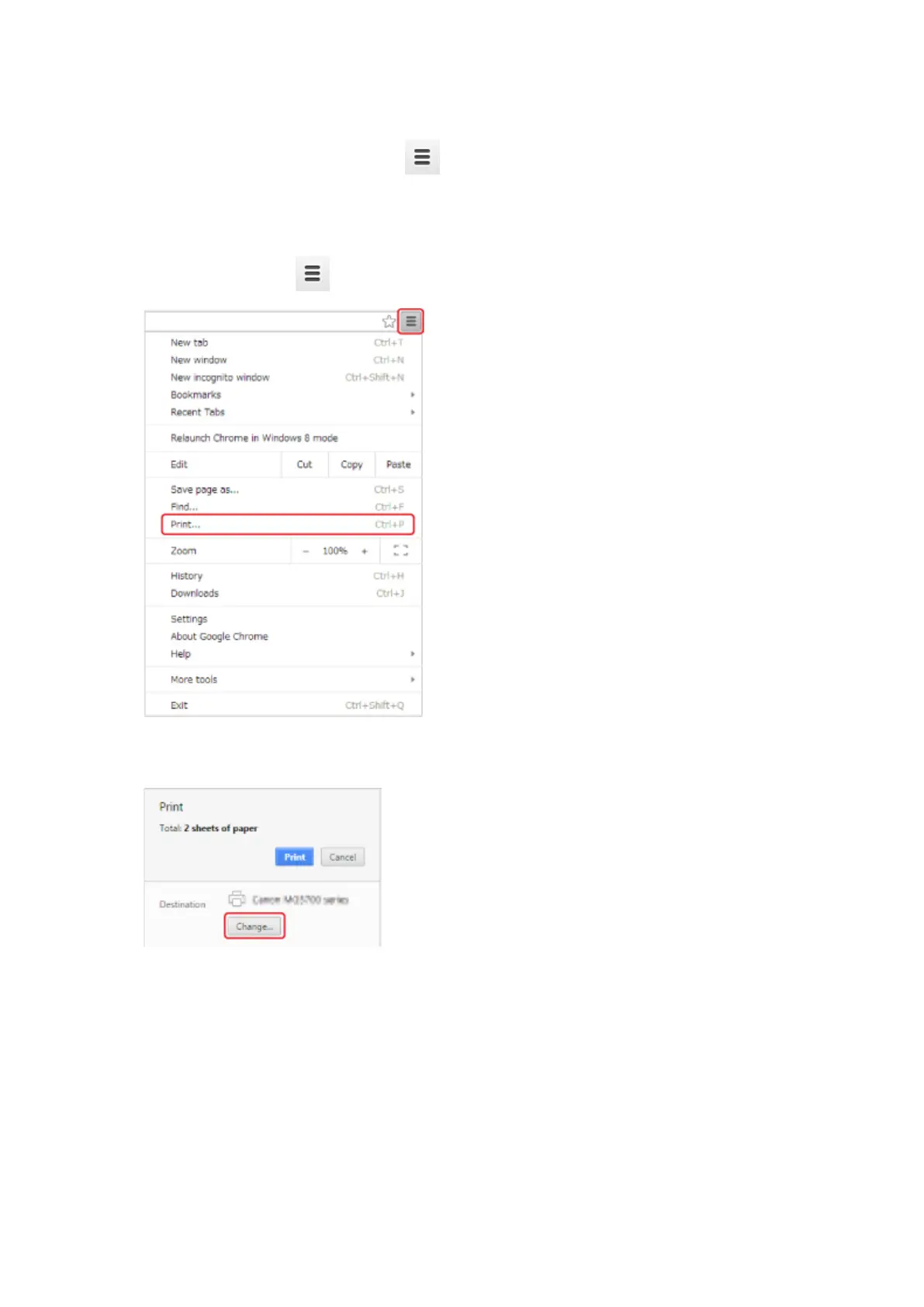
Select Print... from (Chrome menu).
6.
Select Change... next Destination.
7. Select Canon MB5100 series in Local Destinations.
8. Select Print.
When the preparation for printing with Google Cloud Print is complete, the printer receives the print
data and prints it automatically.
596









 To Next Page