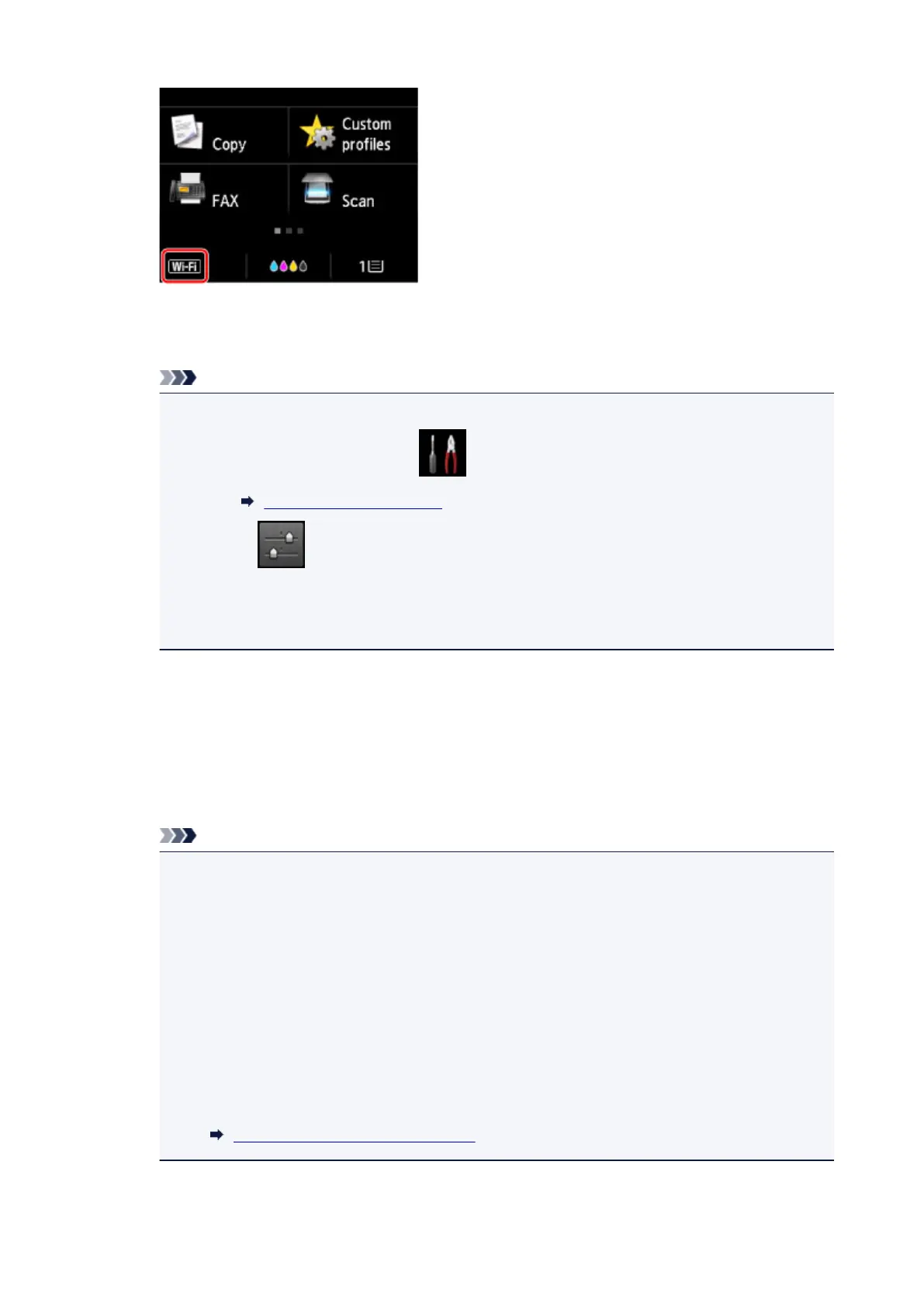
Ex. When the wireless LAN connection is enabled:
The Change LAN screen is displayed.
Note
•
You can also display the Change LAN screen following the procedure below.
1.
Flick HOME screen and tap Setup.
Using the Operation Panel
2. Tap Device settings.
3. Tap LAN settings.
4.
Tap Change LAN.
3.
Tap Activate direct connect..
4.
Tap Yes.
The identifier (SSID) for direct connection appears.
The device detects the printer by the identifier (SSID).
Note
• If you tap Details and tap Yes, the following items appear.
•
Security setting
•
Password
•
Printer's name which appears on a Wi-Fi Direct compatible device
The password is required when connecting a device to the printer. Depending on the device
you are using, no password is required.
When you connect a Wi-Fi Direct compatible device to the printer, select the device name
displayed on the touch screen from your device.
•
The identifier (SSID) and the security setting are specified automatically. To update them, see
below.
Changing Direct Connection Setting
611



 To Next Page