• For Mac OS:
Paper Settings on the Printer Driver and the Printer (Media Type)
Paper Settings on the Printer Driver and the Printer (Paper Size)
Note
• Depending on the registered cassette paper information, the screen to make sure whether you
apply the registered information to the paper settings for copying is displayed. If you tap Yes, the
information is applied to the paper settings for copying.
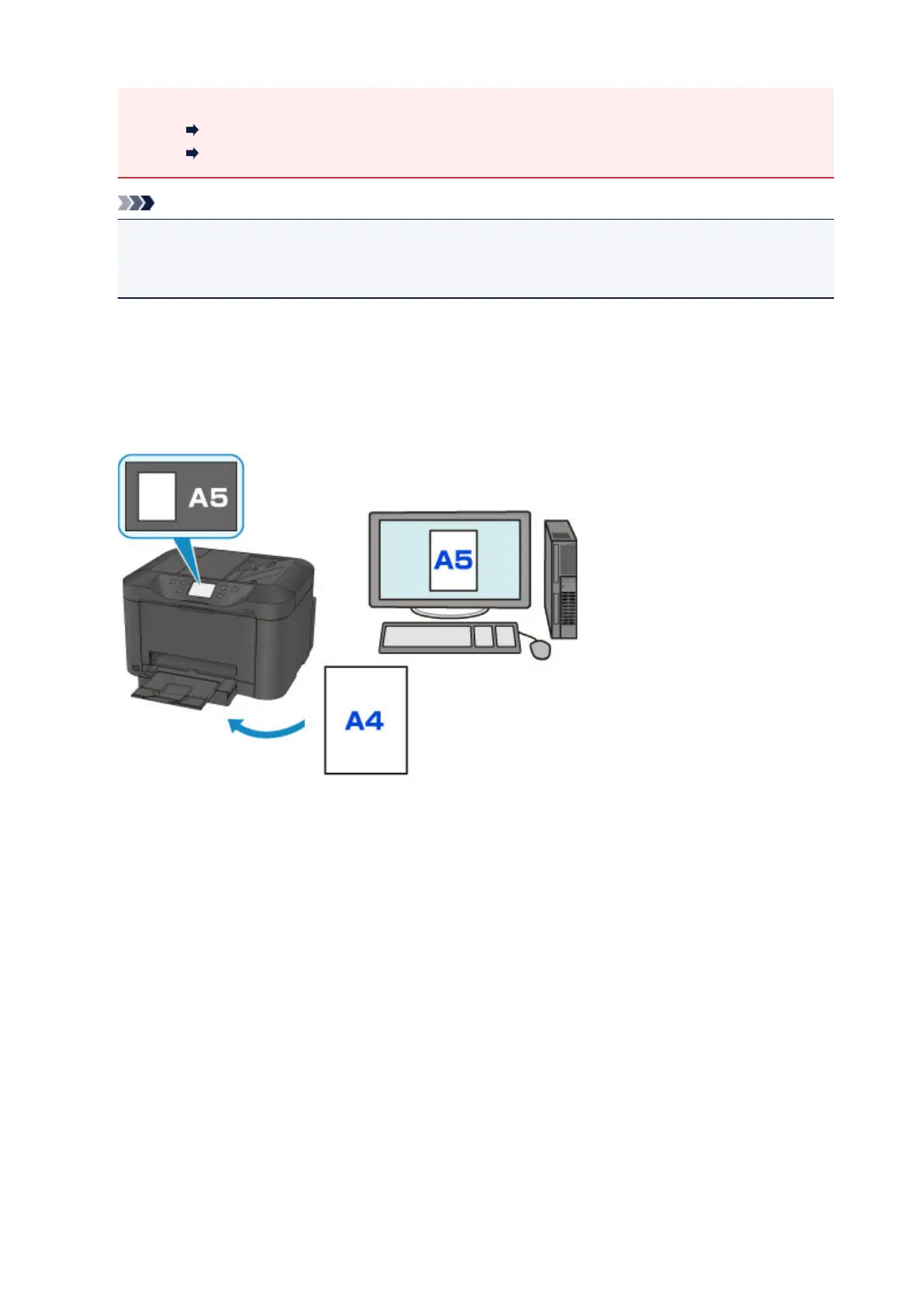
• When the paper settings for printing or copying are different from the cassette paper information
registered to the printer:
Ex:
◦ Paper setting for printing or copying: A5
◦ Cassette paper information registered to the printer: A4
When you start printing or copying, a message is displayed.
Tapping OK on the touch screen displays the paper setting specified for printing or copying under the
message.
634









 To Next Page