Note
• When you select Fit to page, the page size may not be detected correctly depending on the
original. In this case, select the setting other than Fit to page.
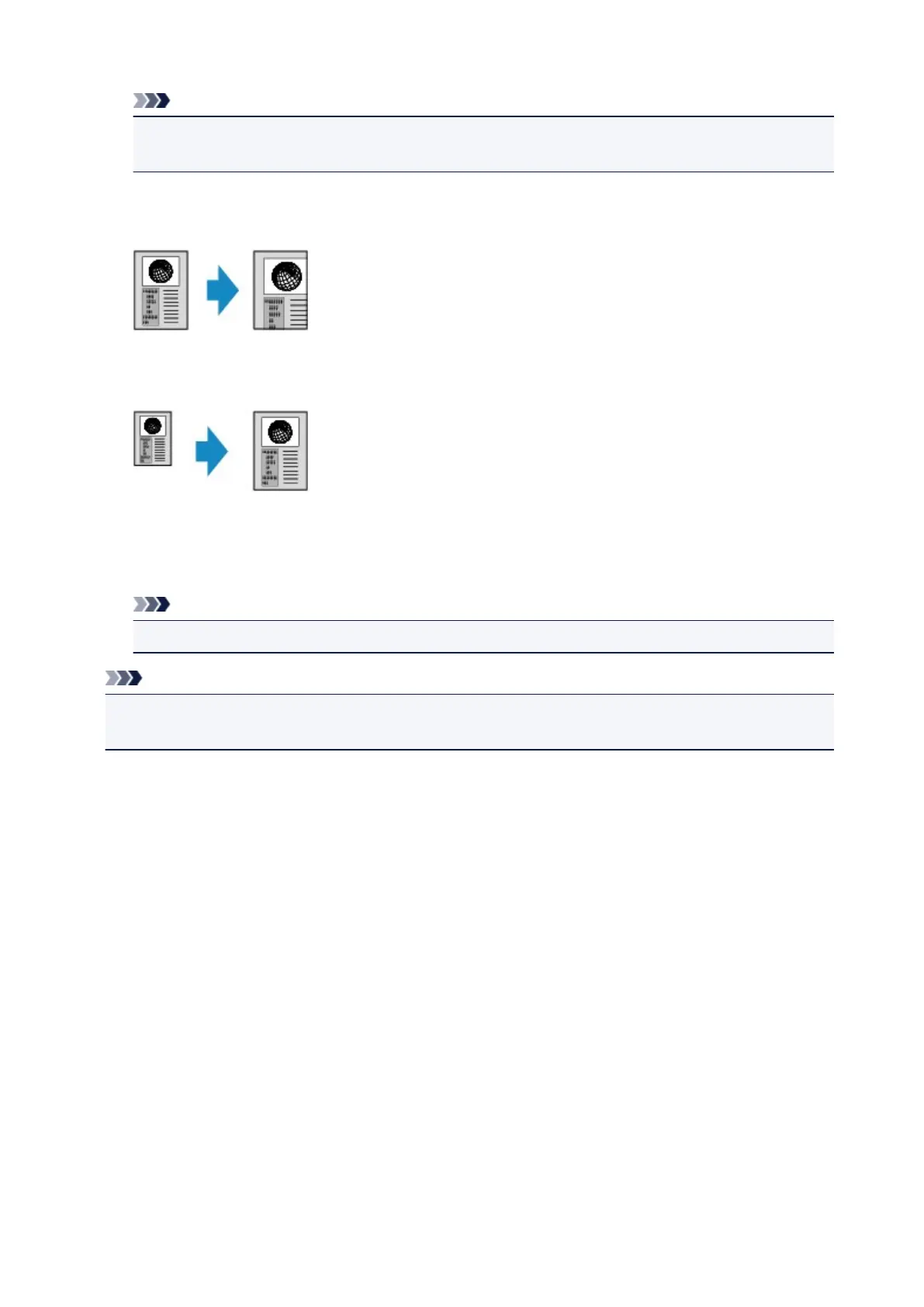
• Ratio specified copy
You can specify the copy ratio as a percentage to reduce or enlarge copies.
• Preset ratio
You can select one of the preset ratios to reduce or enlarge copies.
Select the appropriate ratio for size of original and page size.
The setting in Magnif.: 70% A4->A5/86% A4->B5/94% A4->LTR/115% B5->A4/141% A5->A4/156%
5x7->LTR/183% 4x6->LTR
Note
• Some of the preset ratios are not available depending on the country or region of purchase.
Note
• 400% MAX (maximum copy ratio) and 25% MIN (minimum copy ratio) are selectable.
• If you make a copy at the same size as the original, select Same size.
647









 To Next Page