Color Balance
Adjust images that have a colorcast. "Colorcast" is a phenomenon where a specific color affects the entire
picture due to the weather or ambient strong colors.
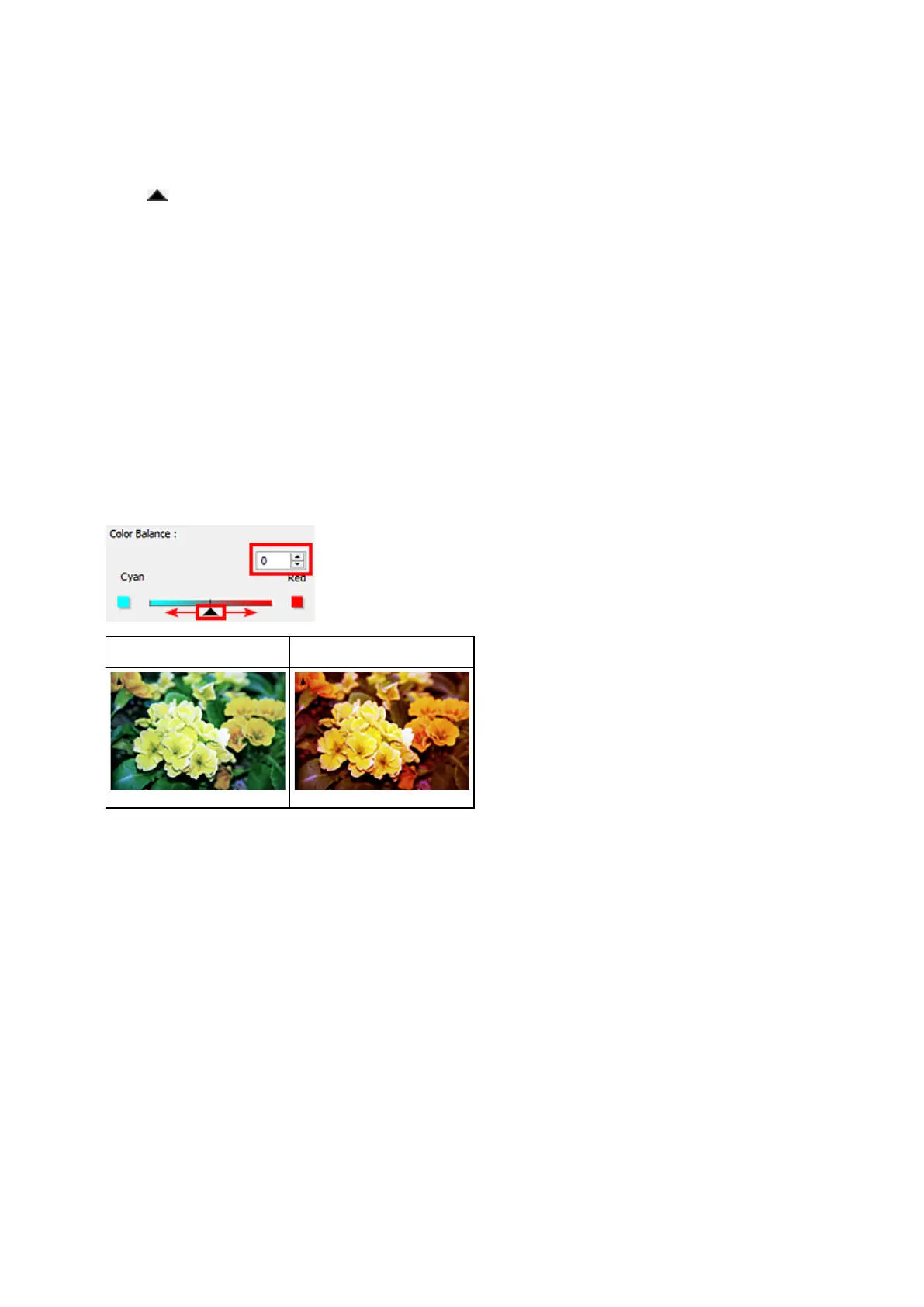
Move (Slider) under Color Balance to the left or right to emphasize the corresponding color.
Cyan & Red
Magenta & Green
Yellow & Blue
These are complementary color pairs (each pair produces a shade of gray when mixed). You can
reproduce the natural colors of the scene by reducing the cast color and increasing the complementary
color.
It is usually difficult to correct the image completely by adjusting only one color pair. It is recommended
that you find a portion in the image where it should be white, and adjust all three color pairs so that the
portion turns white.
You can also enter a value (-127 to 127).
Below is an example of an image in which the "Cyan & Red" pair has been adjusted.
Cyan is increased Red is increased
795









 To Next Page