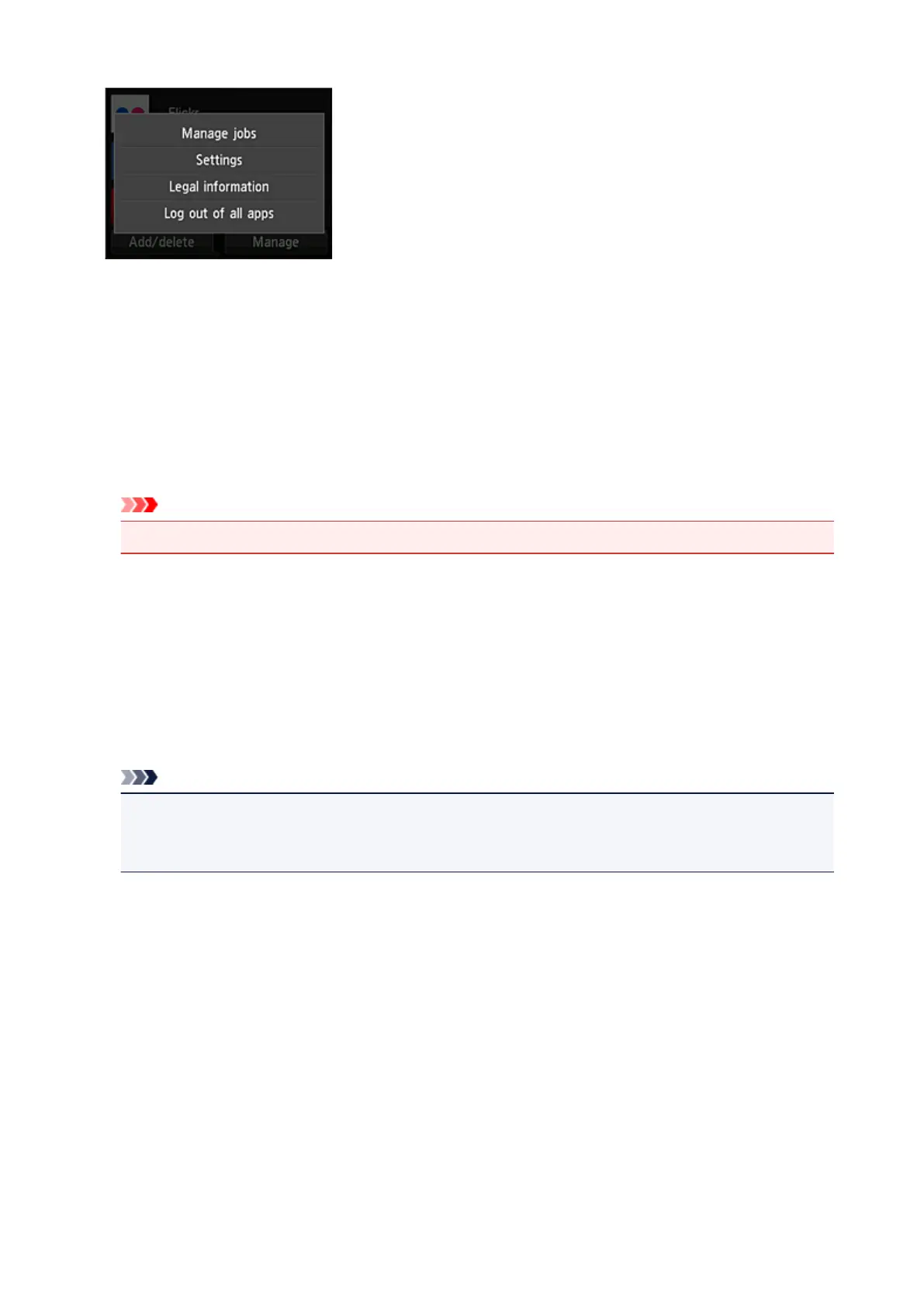
Manage jobs
From the Status list window, you can check the status of a job.
Settings
Select this to set the Time zone.
Select your region on the list. For some regions, you can set whether or not to apply the daylight saving
time setting.
Important
• If you cannot find your region on the list, select the one closest to your region.
Legal information
This shows the License agreement and Privacy statement.
Press the Start button to print the displayed information.
Log out of all apps
You can log out at the same time from all apps that you are logged into.
Note
• Some apps may keep you logged in even after the app ends. Therefore if you want to log in again
with a different account, select Log out of all apps to log out first.
• Once you log out, you need to log in again. You may lose the settings with some apps.
82









 To Next Page