Note
• If you already registered the recipients, the recipients' name is displayed next to the ID number. If
you already registered the group mail, the icon and the group name are displayed next to the
ID number.
7. Select unregistered ID number.
Note
•
If you already registered the recipients and they are displayed by name, tap Switch view. The
registered recipients are displayed by ID number.
•
If you tap New entry, an unregistered ID number will be selected in numerical order.
8.
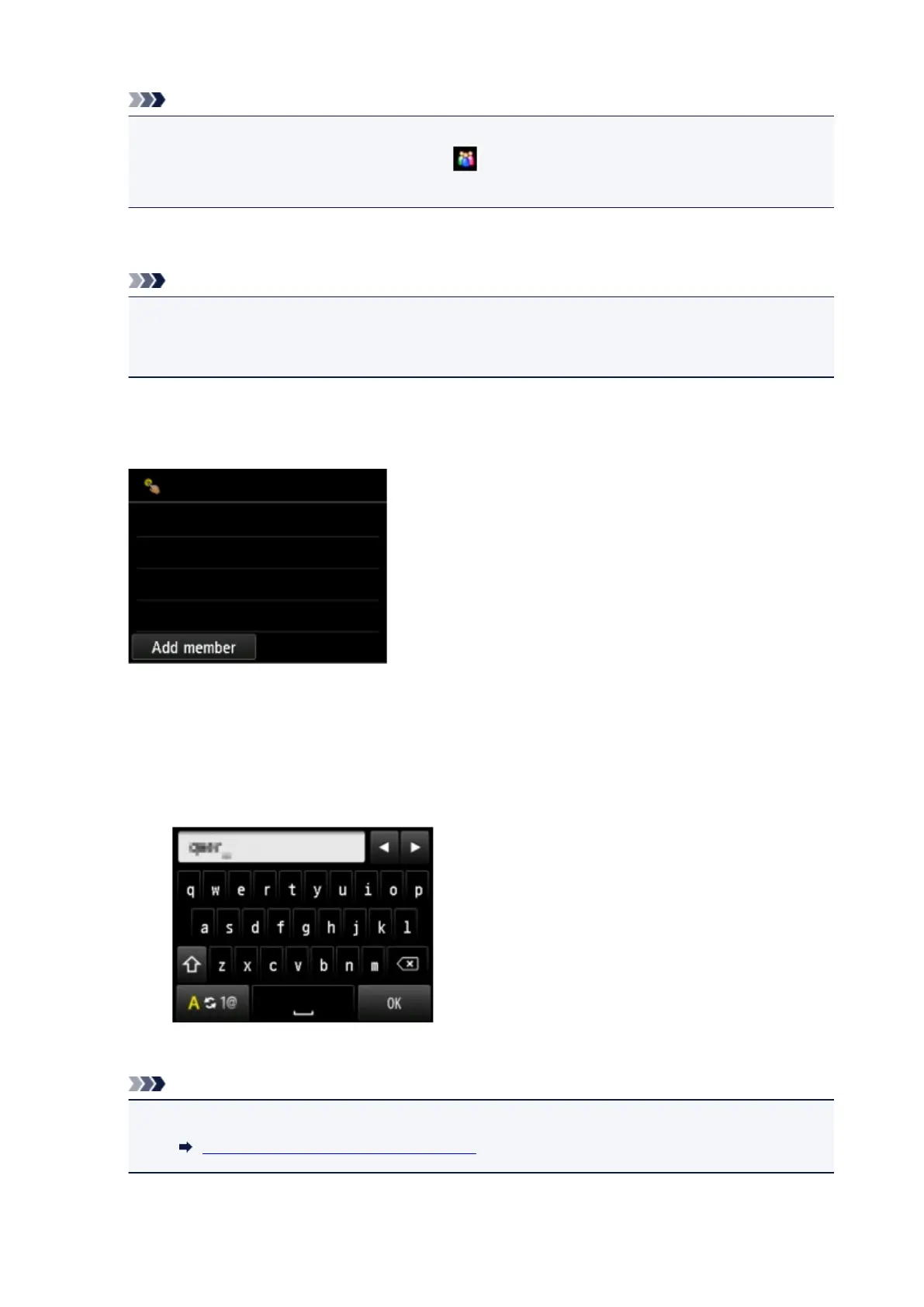
Tap Register group e-mail.
The screen to register the group name and the member of the group is displayed.
9.
Enter group name.
1. Tap entry field of group name.
The screen to enter the character is displayed.
2. Enter group name.
3.
Tap OK.
Note
•
You can enter the name up to 16 characters, including spaces.
Entering Numbers, Letters, and Symbols
895









 To Next Page