Exporting E-Mail Address Book
Follow the procedure below to export the e-mail address book.
1. Make sure printer is turned on.
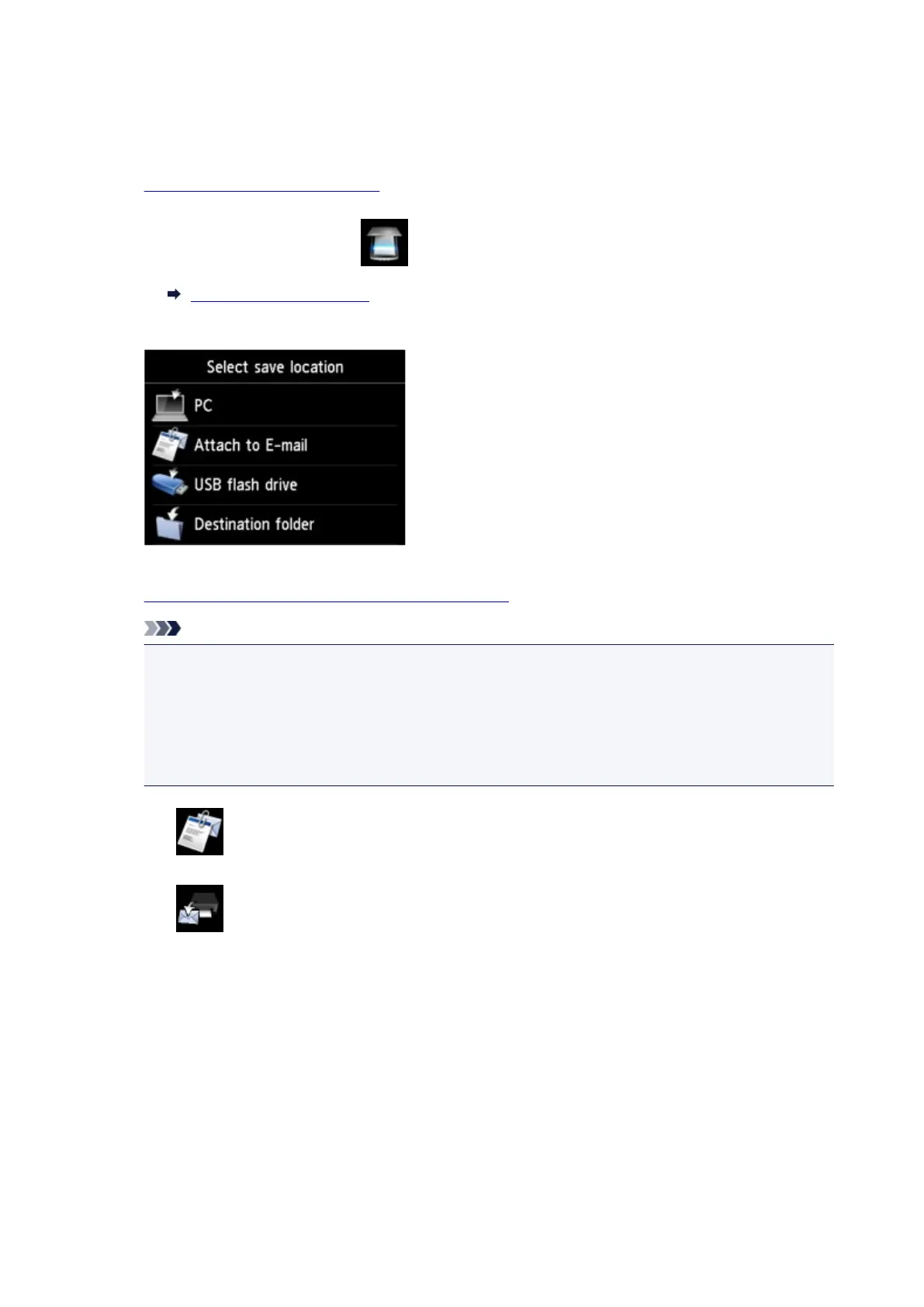
2. Flick HOME screen and tap Scan.
Using the Operation Panel
The screen for selecting to which you save the data is displayed.
3.
Insert USB flash drive into USB flash drive port.
Note
• To avoid overwriting the e-mail address book, you cannot save the book on a USB flash drive
which already includes it.
Delete the book from the USB flash drive or use the one which includes no book.
• The folder name which includes the e-mail address book is "CANON_SC_
\EMAIL_ADDRESS.BIN".
4.
Tap Attach to E-mail.
5. Tap E-mail directly from device.
6. Tap Edit e-mail address book.
7. Tap Export e-mail address book.
8. Check message that is displayed and tap Yes.
The address book on the printer is saved on the USB flash drive.
902









 To Next Page