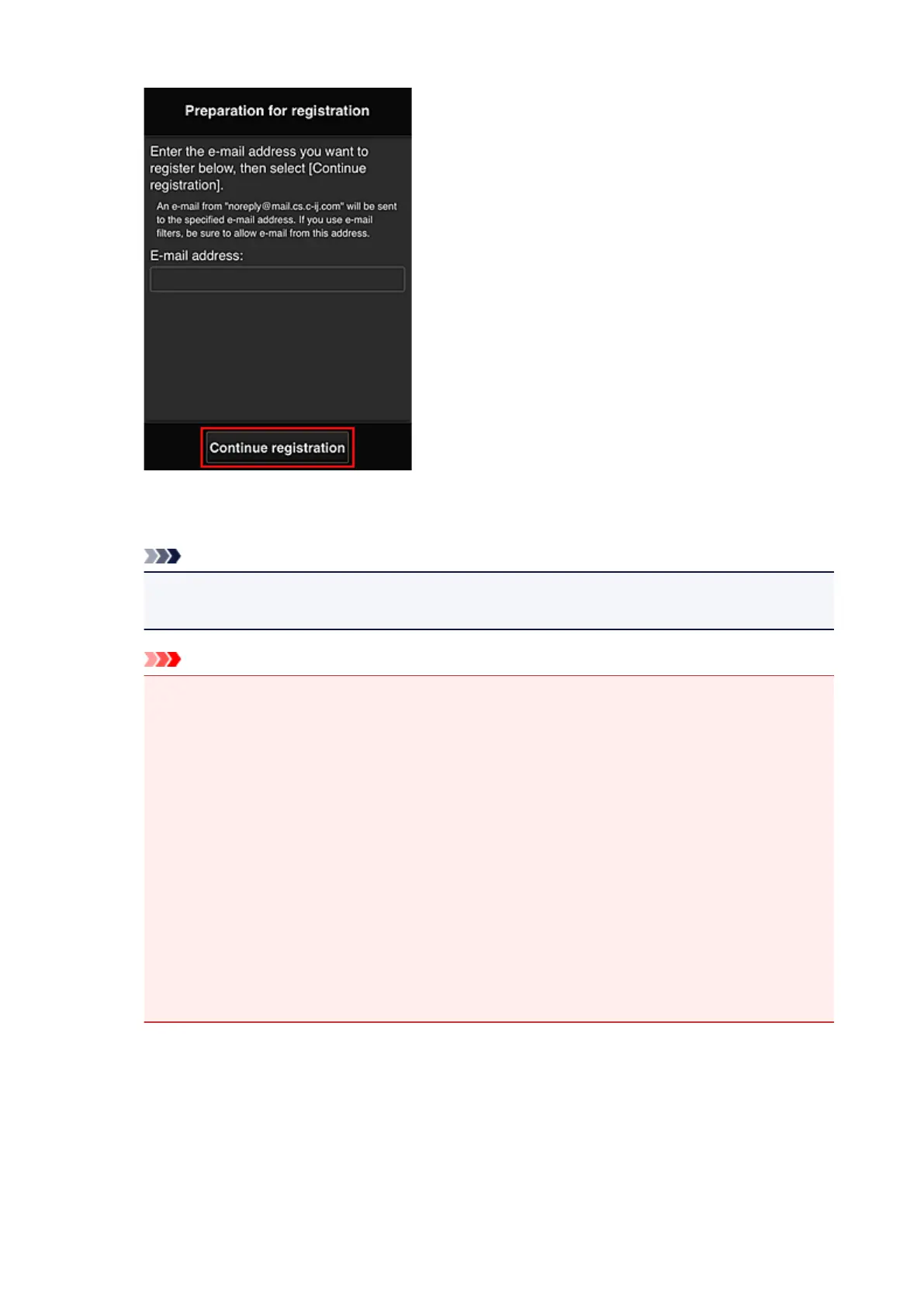
In the displayed screen, enter the E-mail address that you want to register, and then select Continue
registration.
Note
• If you enter an e-mail address that has already been registered, you will receive an "already
registered" e-mail. Follow the instructions in the e-mail, and register a different e-mail address.
Important
• There are character restrictions for the e-mail address, as shown below.
•
Up to 255 characters consisting of single-byte alphanumeric characters and symbols (!$'*/
^_{}|~.-@). (Uppercase and lowercase letters are differentiated.)
• Multibyte characters cannot be used.
You will get an error if the e-mail address you enter contains a character that cannot be
used.
• If you registered a different e-mail address by mistake, you can cancel the registration by going
to the printer's Home screen and selecting Setup -> Web service setup -> Web service
connection setup -> IJ Cloud Printing Center setup -> Delete from this service.
•
You may not be able to receive the notification if you are using a spam filter. If you have a
setting to receive only the e-mails from certain domains, be sure to change the setting to allow
receiving e-mails from "noreply@mail.cs.c-ij.com".
There will be no error display even if you could not receive the e-mail because of the spam filter
setting or if you entered an incorrect e-mail address.
8. Check that you received blank e-mail, and then select Yes
91









 To Next Page