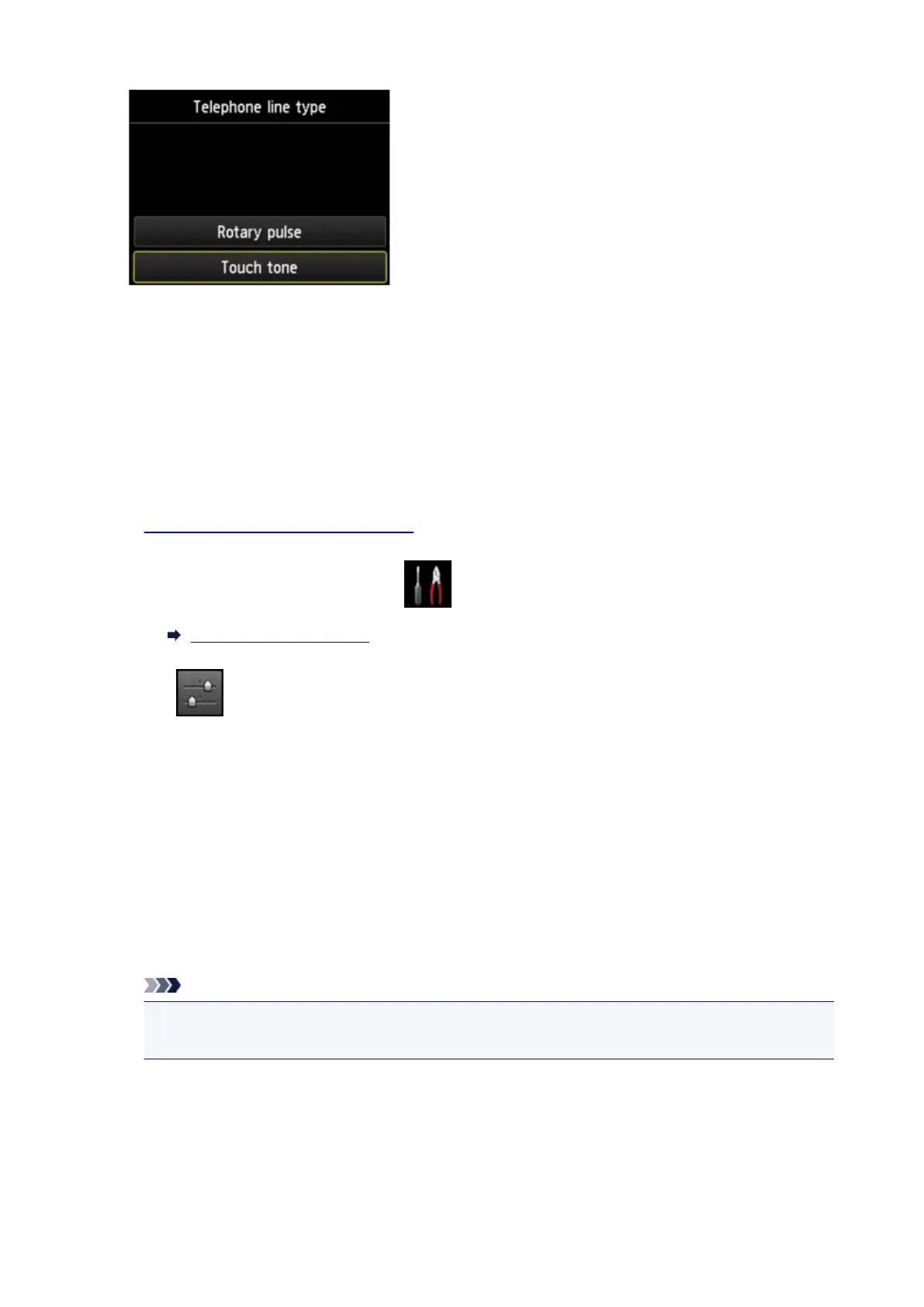
Rotary pulse
Select when your telephone line type is pulse dialing.
Touch tone
Select when your telephone line type is tone dialing.
Setting the Telephone Line Type Manually in China
This section describes the procedure to set the telephone line type manually in China.
1.
Make sure that printer is turned on.
2.
Flick HOME screen, and then tap Setup.
Using the Operation Panel
3.
Tap Device settings.
4.
Tap FAX settings.
5.
Tap FAX user settings.
6.
Tap Telephone line auto selection.
The current telephone line type is displayed.
7. Check current telephone line type, and then tap OK.
Note
•
If you do not need to change the telephone line type, press the HOME button to return to the
HOME screen.
8. Tap OFF.
9. Tap a telephone line type.
925









 To Next Page