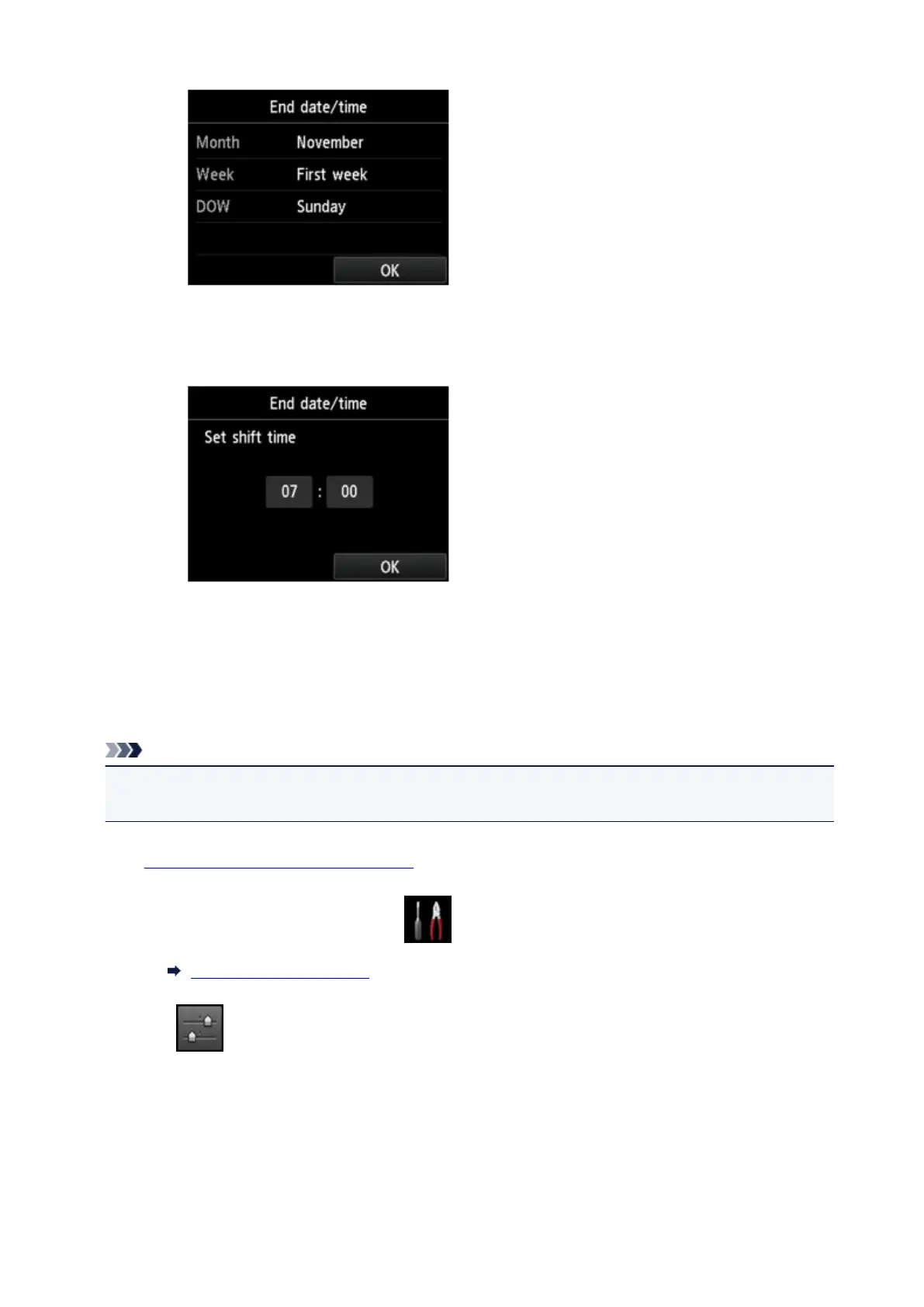
2. Set time (in 24-hour format) when summer time ends.
Tap a setting item to change, and then specify the setting. Tap OK again when all settings are
completed.
9.
Press HOME button to return to HOME screen.
Registering User Information
This section describes the procedure to register the user information.
Note
• Before sending a fax, be sure to enter your name and fax/telephone number in Unit name and Unit
TEL on the User information settings screen (for US only).
1.
Make sure that printer is turned on.
2. Flick HOME screen, and then tap Setup.
Using the Operation Panel
3. Tap Device settings.
4. Tap FAX settings.
5. Tap FAX user settings.
936









 To Next Page