1. Make sure that printer is turned on.
2. Load documents on platen glass or in ADF.
3. Flick HOME screen, and then tap FAX.
Using the Operation Panel
The Fax standby screen is displayed.
4.
Change send settings as necessary.
Setting Items for Sending Faxes
5.
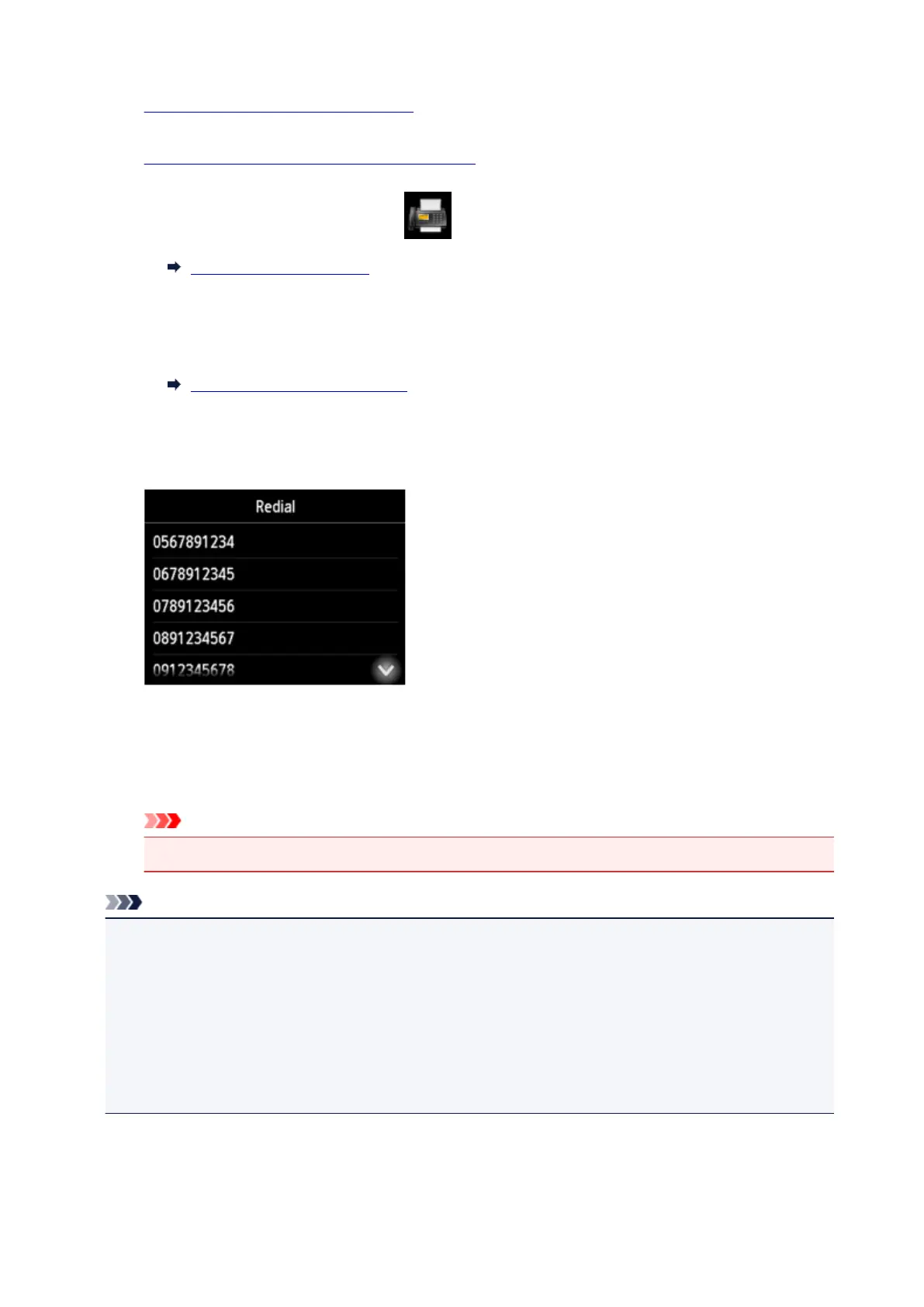
Tap Redial.
The Redial screen is displayed.
6.
Tap a recipient's number to redial.
7.
Press Color button for color transmission, or Black button for black & white transmission.
Important
• Color transmission is available only when the recipient's fax device supports color faxing.
Note
• For manual redialing, the printer memorizes up to 10 recent recipients dialed by entering the fax/
telephone numbers. Note that the printer does not memorize any recipients dialed using the redial
function or selecting from the directory.
• To cancel manual redialing, press the Stop button. To cancel a fax transmission while it is in
progress, press the Stop button, and then follow the instructions on the touch screen.
• If documents remain in the ADF after the Stop button is pressed while scanning is in progress,
Document in ADF. Tap [OK] to eject document. is displayed on the touch screen. By tapping OK,
the remaining documents are automatically ejected.
945









 To Next Page