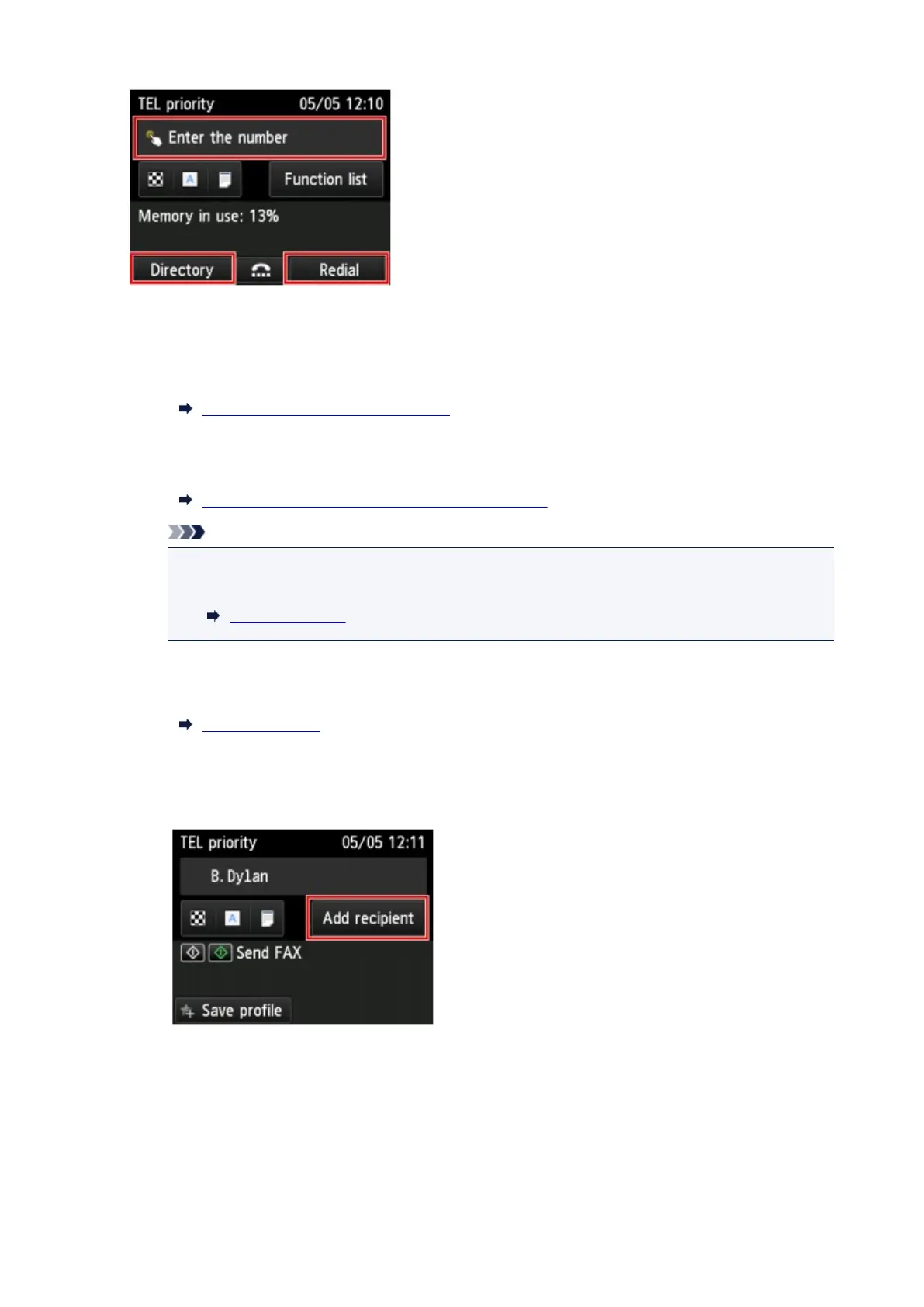
Specify the first recipient with the one of the following methods.
•
By specifying with the recipient registered to the printer:
Tap Directory and specify the recipient.
Sending Fax to Registered Recipient
•
By entering the fax/telephone numbers:
Tap the entry field of fax/telephone numbers and enter the number.
Sending Faxes by Entering Fax/Telephone Number
Note
• If FAX number re-entry in Security control under FAX settings is set to ON, enter the
number again.
Security control
• By redialing:
Tap Redial and select a number in the outgoing call logs.
Manual Redialing
6.
Add recipient.
1. Tap Add recipient.
The list of the recipients is displayed.
2.
Select a method to add recipient.
954









 To Next Page