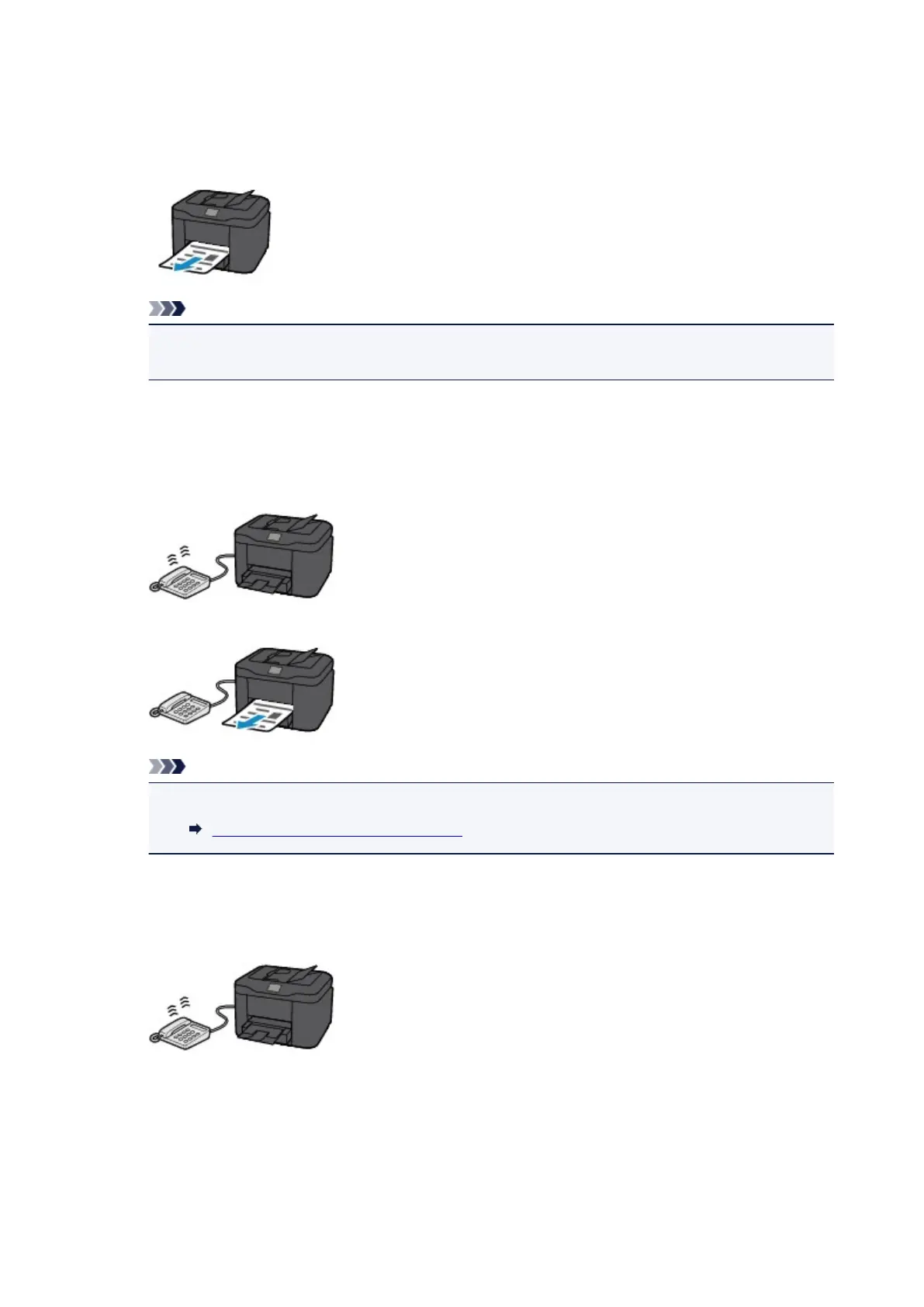
When FAX only mode is selected:
• When the call is a fax:
The printer will receive the fax automatically.
Note
• If a telephone is connected to the printer, the telephone will ring when a call incomes.
• You can change the number of times to ring the telephone with Ring count in Advanced.
When DRPD or Network switch is selected:
• When the call is a fax:
The telephone will ring when a call incomes.
The printer will receive the fax automatically when the fax ring pattern is detected.
Note
• You can change the number of times to ring the telephone.
Advanced Settings of Receive Mode
• When the call is a voice call:
The telephone will ring when a call incomes.
When the printer does not detect the fax ring pattern, the telephone will continue ringing.
Pick up the handset, and talk on the telephone.
992









 To Next Page