SECTION 27 - REAR AXLE 39
co
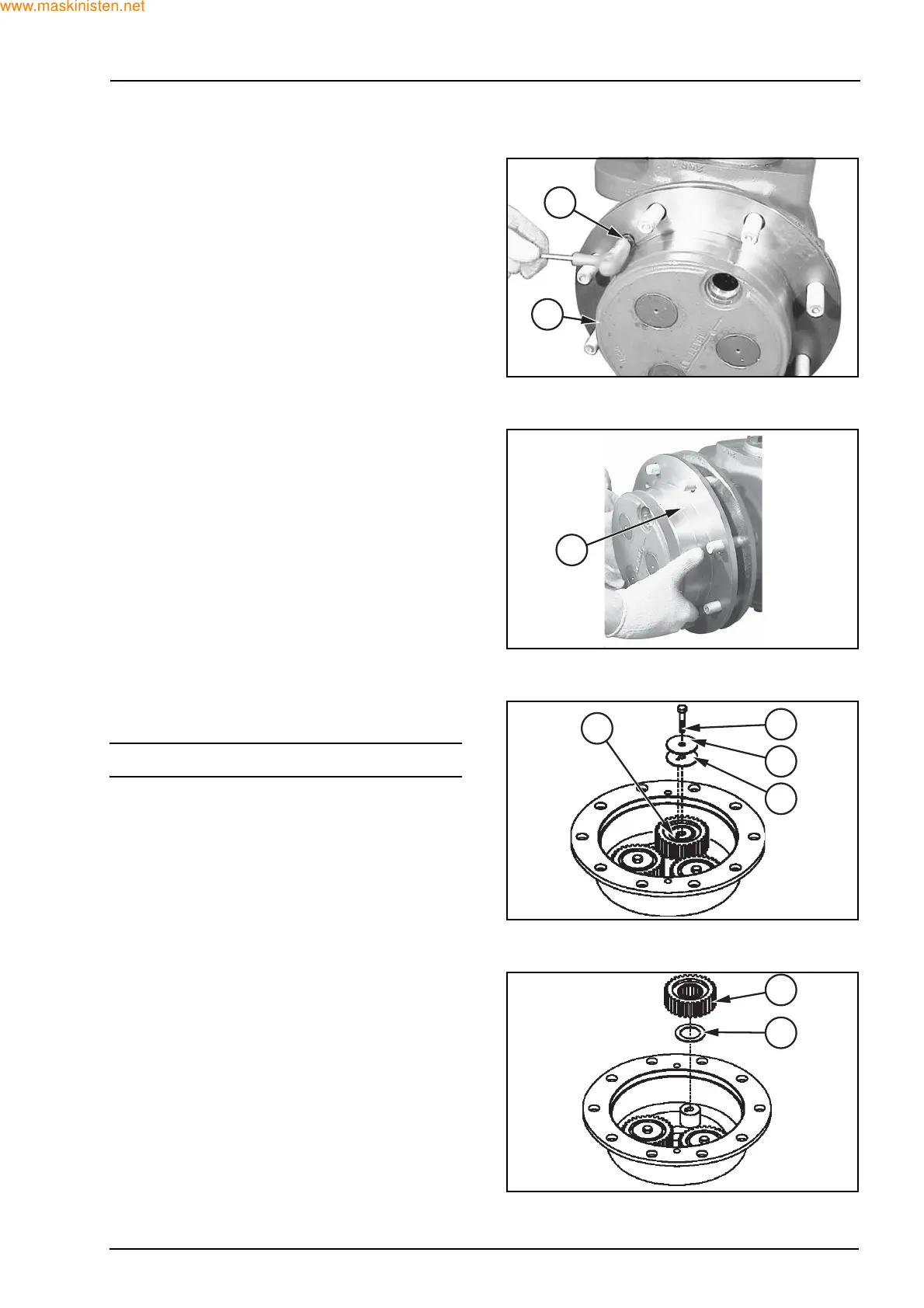
Unscrew and remove both fastening screws (3) of
the planetary carrier cover (1).
Remove the planetary carrier cover (1) from the
wheel hub.
Position the planetary carrier cover (1) on a work-
bench and check its wear conditions.
To replace the gears, if necessary, remove the
screw (11) and the relevant washers (8) and (9).
NOTE: treat the pin (10) with care.
Remove the gear (7) from its seat, taking care not to
lose the rollers inside it.
Remove the shim (5).
F28044
3
1
F27405
1
F28021
11
9
8
10
F28022
7
5



 To Next Page