Printing Data
Vibrex 2000 and Vibrex 2000 Plus User Guide 27
3.3.2 Printing With a PC
This section explains how to print in a Windows 95, Windows 98, or
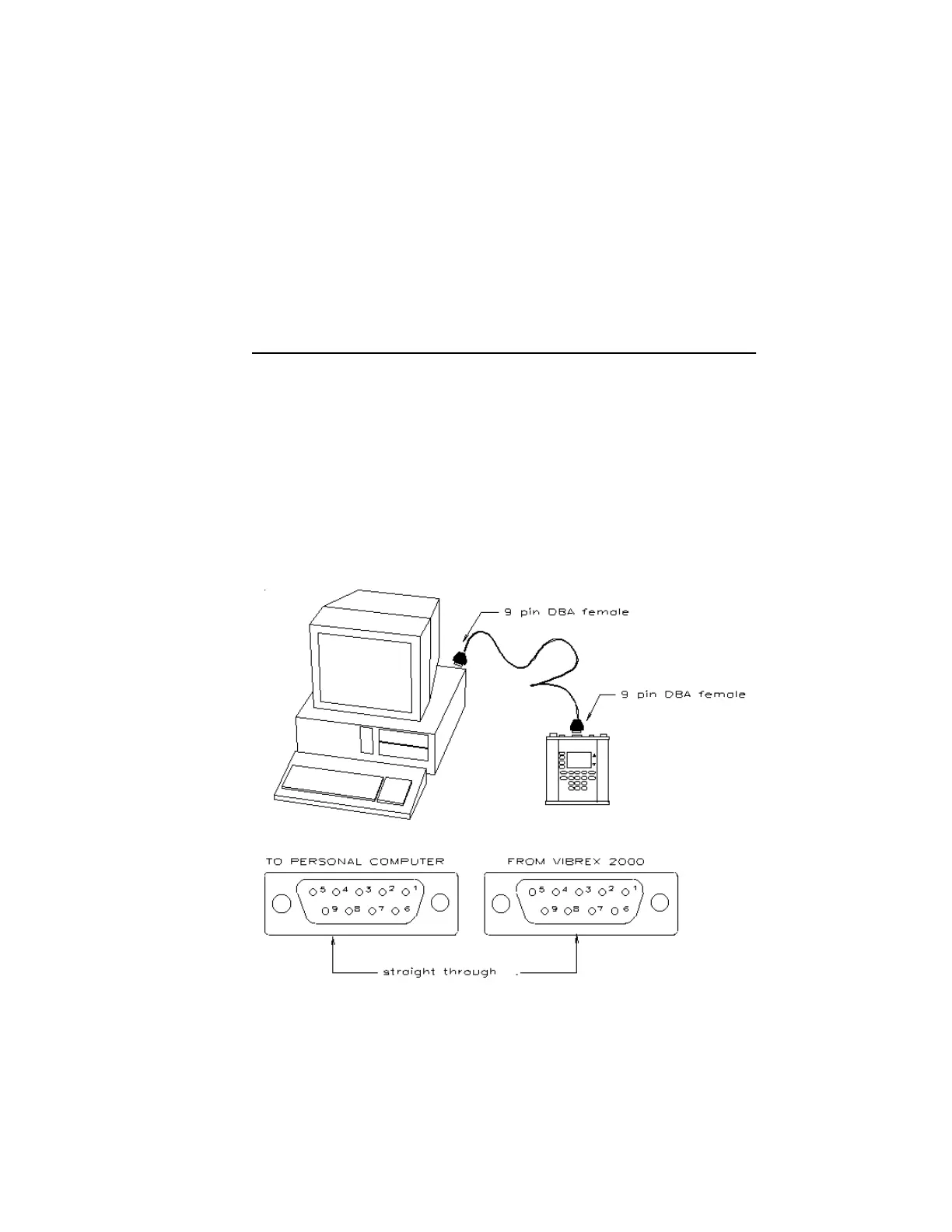
Windows NT environment. Connect the Vibrex 2000 or Vibrex 2000 Plus
to the PC with a nine-pin serial connector, used by most computers.
NOTE: From this point on, the text uses Windows when referring to
all three of these operating systems.
For an illustration of the general printing setup with a PC, see the diagram
below.
3.3.2.1 Downloading Data
To print data from the Vibrex unit, using a PC, the user must first
download that data from the unit to an IBM-compatible PC running
Windows. Do this action by using the V2K Download Software program
that comes with the Vibrex kit.



 To Next Page