6-16
Cisco 1240 Connected Grid Router Hardware Installation Guide
OL-26223-04
Chapter 6 Installing the Router
Additional Router Connections
Step 9 Hand-tighten the cap, and then use the open-end wrench to tighten it until the split gasket seals around
the cable (6 to 7 foot-pounds of torque). There should be 5-10 pounds of cable pull support.
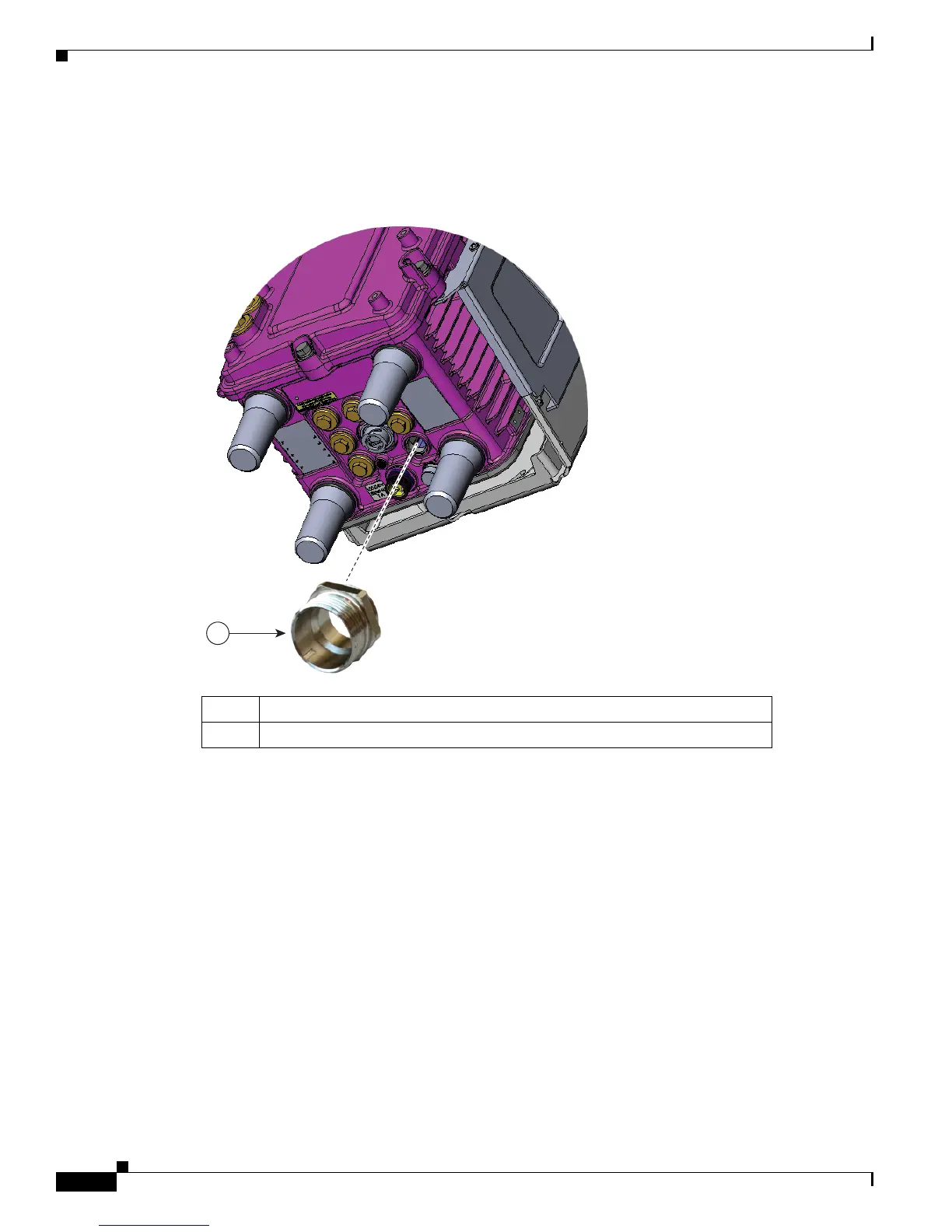
Figure 6-10 Attach Adapter to Chassis Cable Port on Router Base
Item Description
1 Attach cable glands adapter to any compatible cable port on the router.











 To Next Page