5-27
Cisco 1240 Connected Grid Router Hardware Installation Guide
OL-26223-04
Chapter 5 Mounting the Router
Grounding Instructions
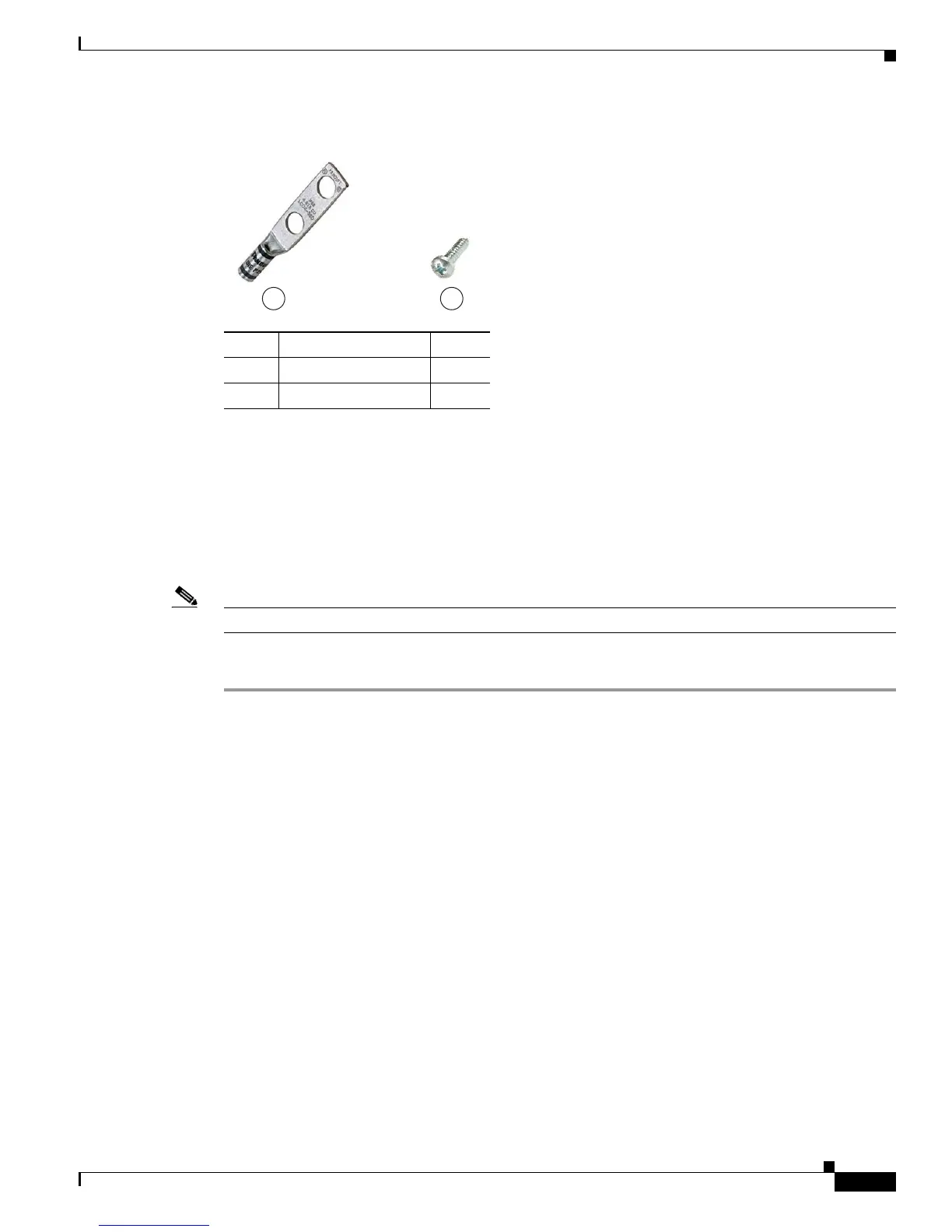
Figure 5-23 Router Grounding Kit Contents
Materials You Supply
You must provide the tools listed in the “Materials and Tools You Supply” section on page 5-7.
Ground the Router
Note You can perform these steps when the mounting bracket security panel is installed.
To ground the router, follow these steps:
Step 1 Use the appropriate crimping tool or pliers to crimp the 6-gauge ground wire (included in the grounding
kit) to the grounding lug.
Step 2 Connect the grounding lug to the router chassis ground connection point shown in Figure 5-24 using the
supplied grounding screws. Tighten the grounding screws to 10 to 12 foot-pounds of torque. Do not
overtighten!
Item Description Qty.
1 Grounding lug 1
2Screws 2
300622
1 2











 To Next Page