4-4
Cisco 1240 Connected Grid Router Hardware Installation Guide
OL-26223-04
Chapter 4 Opening the Router Chassis
Opening the Router Door
Caution The door gasket creates a seal when the door is closed, so the door might open suddenly when the last
bolt is loosened.
Closing the Door
Step 1 Verify that the door seal is clean and that all cables are tucked back into the chassis.
Step 2 To close the door, use the socket wrench to evenly tighten all six bolts in the order shown in Figure 4-2.
Step 3 Evenly tighten the bolts again, in the order shown in Figure 4-2, this time using 6 to 7 foot-pounds of
torque.
Step 4 Replace any locking mechanism, such as a padlock, on the door lock post.
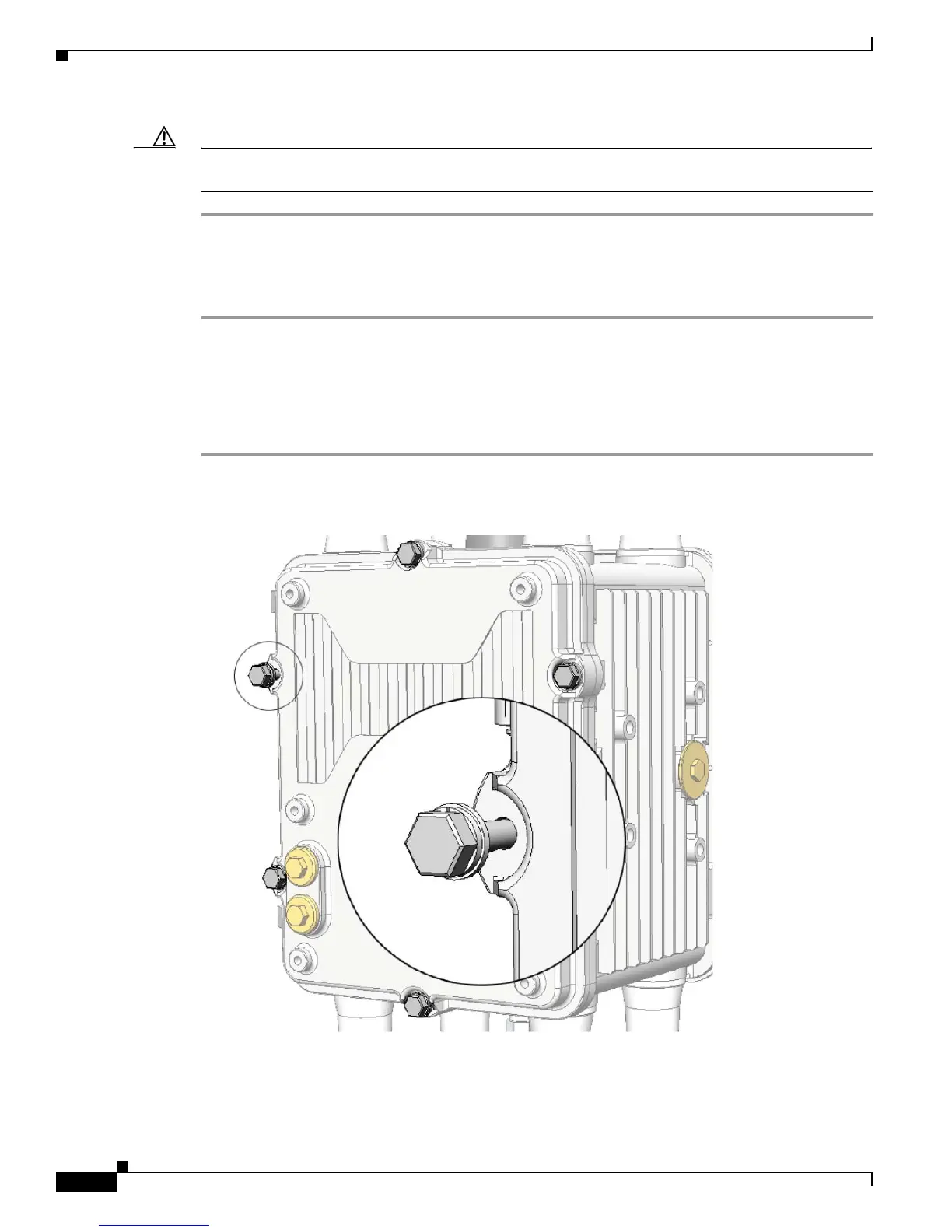
Figure 4-3 Captive Bolt Detail











 To Next Page