Configuring the PVC2300 and WVC2300 Cameras
Applications > I/O Ports
Cisco PVC2300 and WVC2300 Internet Video Cameras with Audio Administration Guide 96
8
• Password—Enter the password for the DDNS account.
• Check WAN IP Address—This option allows you to set how often the
device should check to see if the Internet IP address has changed. If the IP
address has changed, the DDNS server will be notified.
• Starting at—Allows you to set when to start checking if the IP address has
changed.
NOTE To complete the DDNS service setup, port forwarding needs to be configured on
your router. See “Configuring Port Forwarding” on page 117.
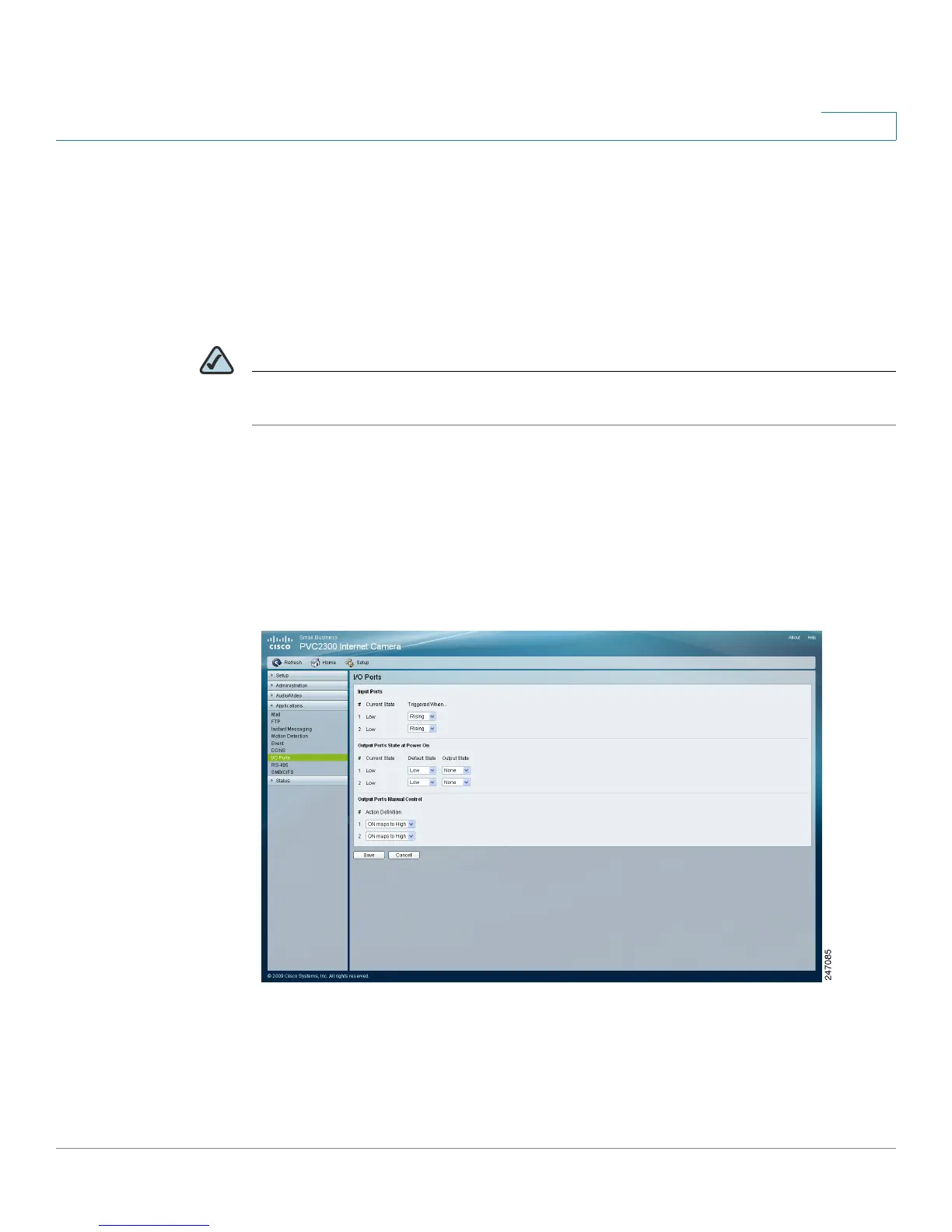
Applications > I/O Ports
From the Applications > I/O Ports window, you can configure the Input and Output
port states.
See the I/O port specifications in Appendix C, “Specifications”for additional
details.



 To Next Page