Configuring the PVC2300 and WVC2300 Cameras
Status > Video Log
Cisco PVC2300 and WVC2300 Internet Video Cameras with Audio Administration Guide 108
8
Status > Video Log
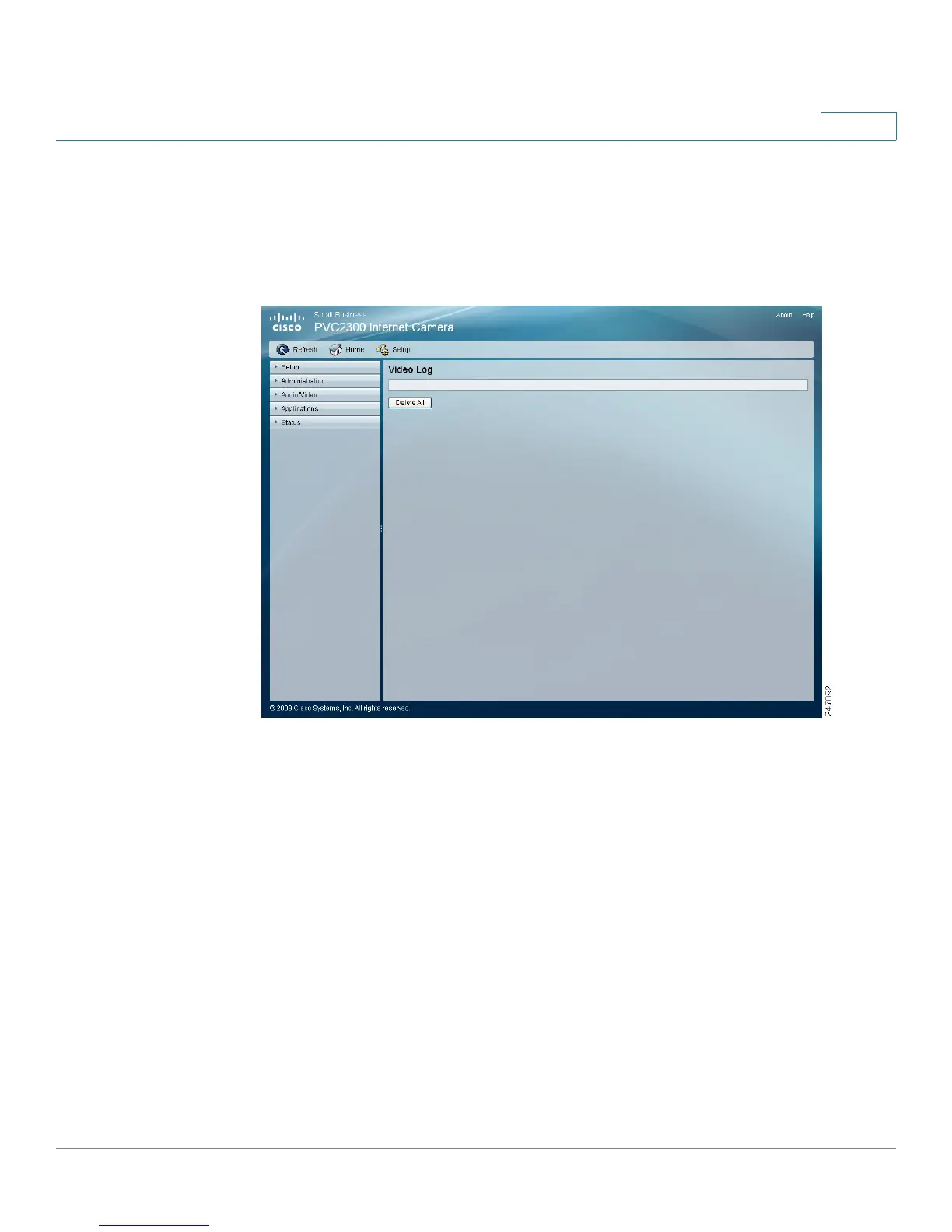
From the Status > Video Log window, you can erase a single entry or all entries in
the video log.
Video Log
• This displays all video log(s). Click on each individual log to playback the
video recorded when alerts were detected. Click Delete to either erase a
single video log or erase all the entries in the Video Log.



 To Next Page