Configuring the PVC2300 and WVC2300 Cameras
Audio/Video > Audio
Cisco PVC2300 and WVC2300 Internet Video Cameras with Audio Administration Guide 81
8
Audio Settings
• Enable Audio—Enable audio by checking the Enable Audio check box.
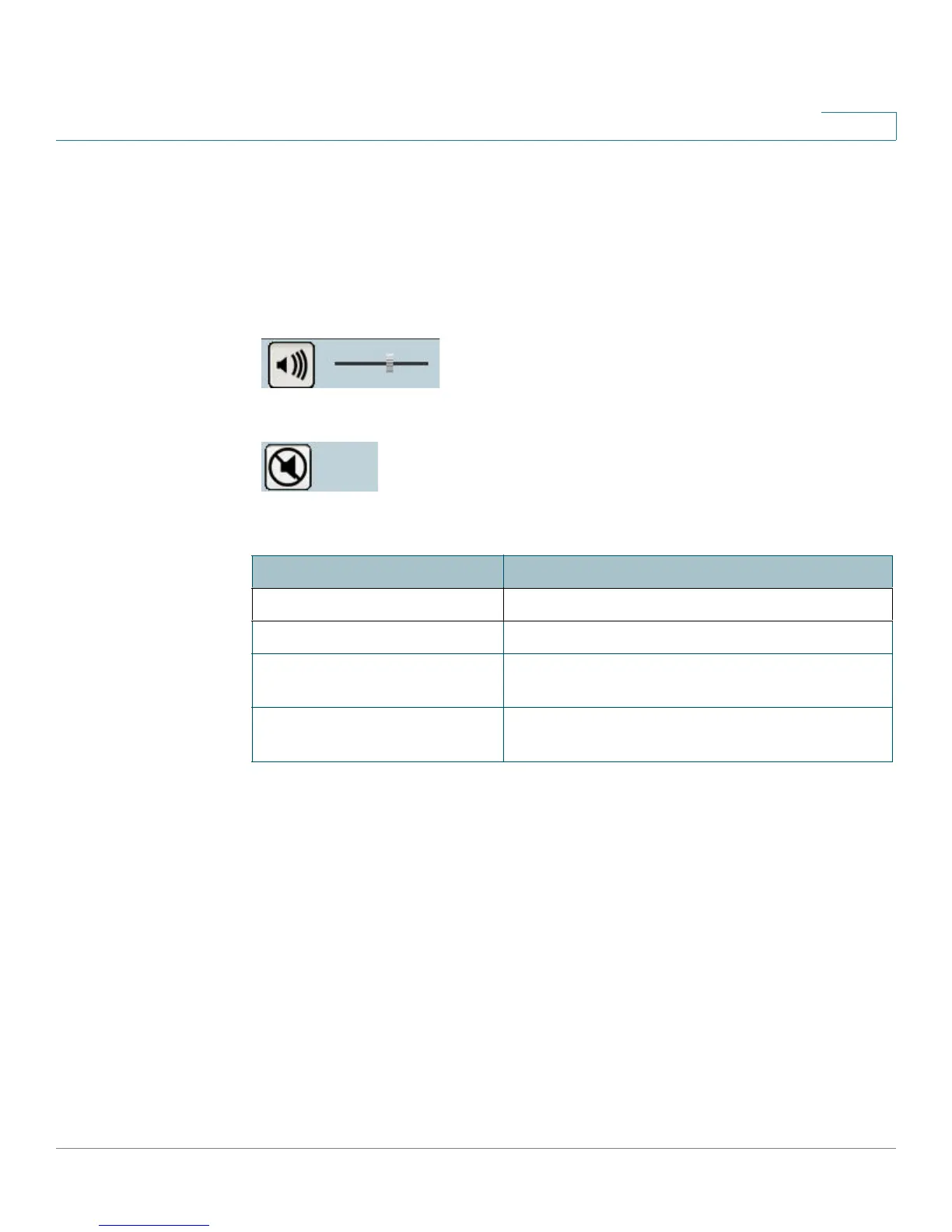
When audio is enabled, an icon is displayed on the Home window and audio
is picked up through the camera. You can use the icons to turn audio on and
off.
Audio On
Audio Off
• Enable Speaker—When the speaker is enabled, an icon is displayed on the
Home window. You can use the icons to turn the speaker on and off. The
check box is auto-checked depending on the audio mode you set. If you set
the audio mode to Simplex (Listen Only), then the check box is auto-
checked. If you set the audio mode to Simplex (Talk Only), then the check
box is automatically unchecked.
Mode
Function
Simplex - Talk Only Enables the speaker jack
Simplex - Listen Only Enables the microphone jack
Half Duplex - Talk or Listen
(Not simultaneously)
Enables the speaker and microphone jack but
only one can be used at a time
Full Duplex - Talk and Listen
(Can be simultaneously)
Enables the speaker and microphone jack and
both can be used simultaneously



 To Next Page