Using the Web-Based Configuration Utility
Home
Cisco PVC2300 and WVC2300 Internet Video Cameras with Audio Administration Guide 53
7
Setup
From Setup, you can view or configure the PVC2300 and WVC2300 camera
features.
Connected User
Displays the number of users. The maximum number of users is 10.
Also, there are 10 video streams available for MJPEG and MPEG-4 in any
combination, for example 5/5, 6/4, 7/3, 8/2, or 9/1.
Log Out
Log out from viewing the camera image.
About
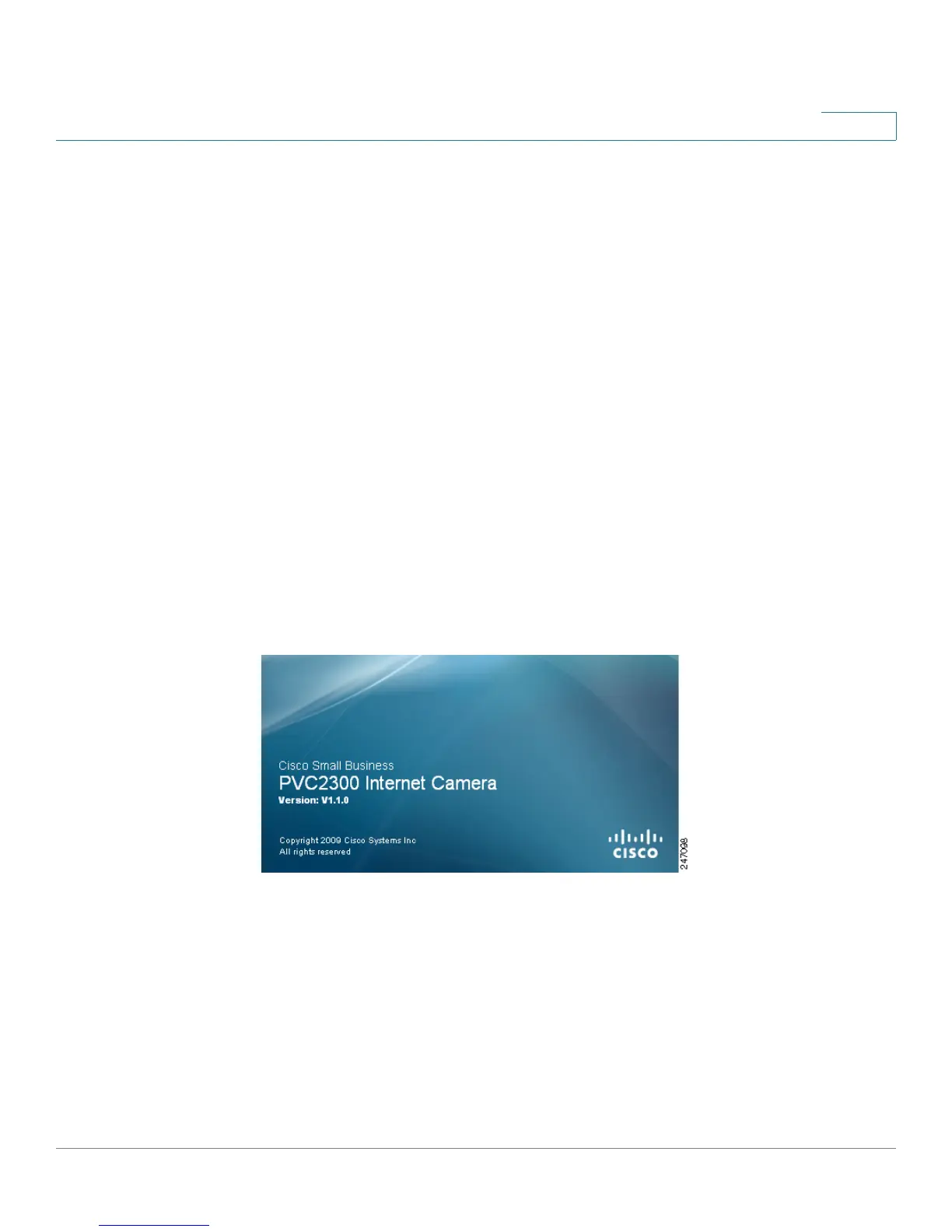
Displays the camera software version.



 To Next Page