Configuring the PVC2300 and WVC2300 Cameras
Status > Network
Cisco PVC2300 and WVC2300 Internet Video Cameras with Audio Administration Guide 105
8
Status > Network
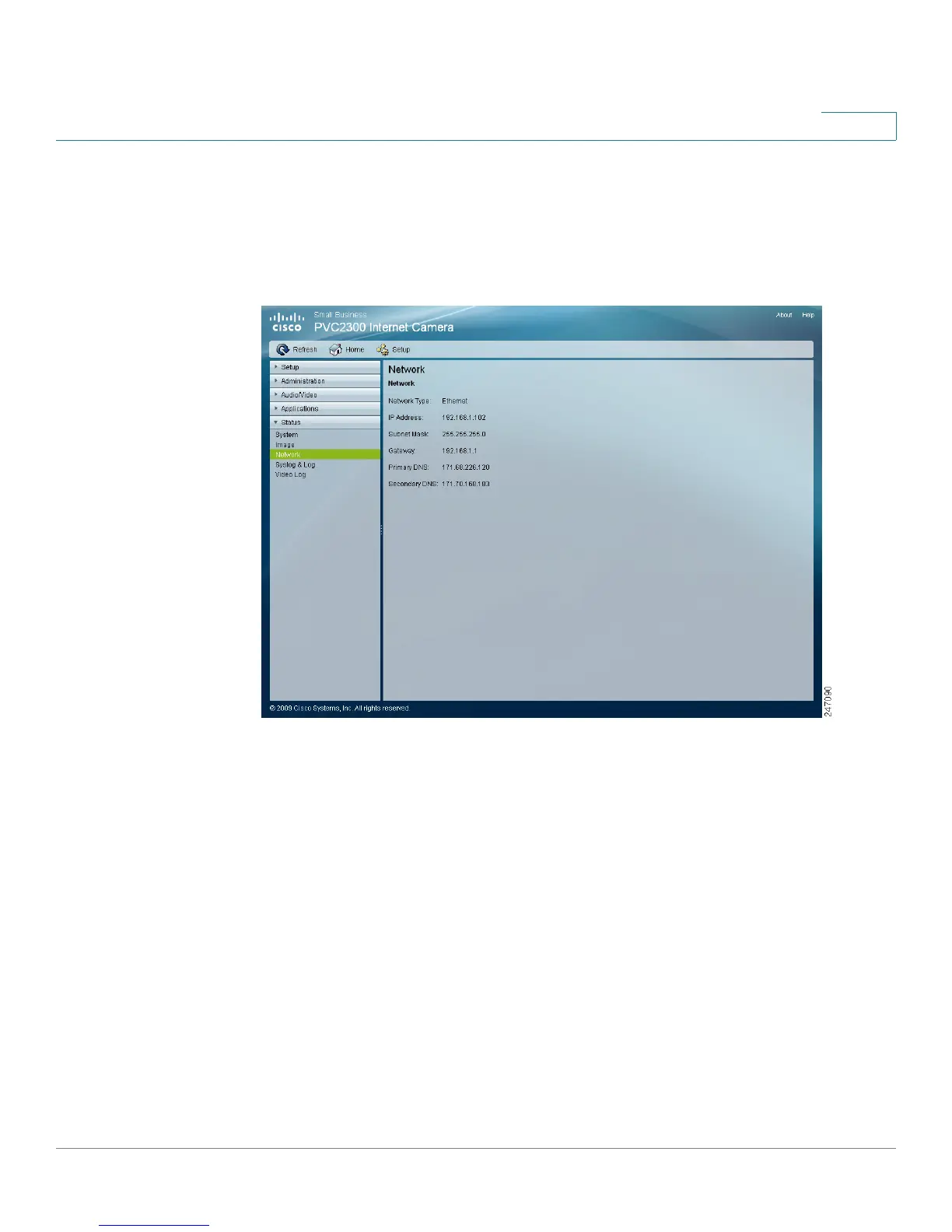
The Status > Network window displays the network information, such as IP
address, gateway, primary and secondary DNS used by the camera.
Network
• Network Type—Displays the type of network the camera is connected to.
• IP Address—Displays the IP address assigned to the camera.
• Subnet Mask—Displays the subnet mask assigned to the camera.
• Gateway—Displays the IP address of the gateway used by the camera.
• Primary DNS—Displays the IP address of the primary Domain Name
Server used by the camera.
• Secondary DNS—Displays the IP address of the secondary Domain Name
Server used by the camera.



 To Next Page