Configuring the PVC2300 and WVC2300 Cameras
Administration > Users
Cisco PVC2300 and WVC2300 Internet Video Cameras with Audio Administration Guide 73
8
- Enable and Allow the Following IP Address—Allows only the IP
addresses specified access to the camera. From the drop-down list,
select Single to enter a specific IP address or Range to enter a range of
IP addresses. Up to 10 values can be configured.
Filtering List–The IP filter setting allows up to maximum of 10 single IP address or
10 ranges of IP addresses.
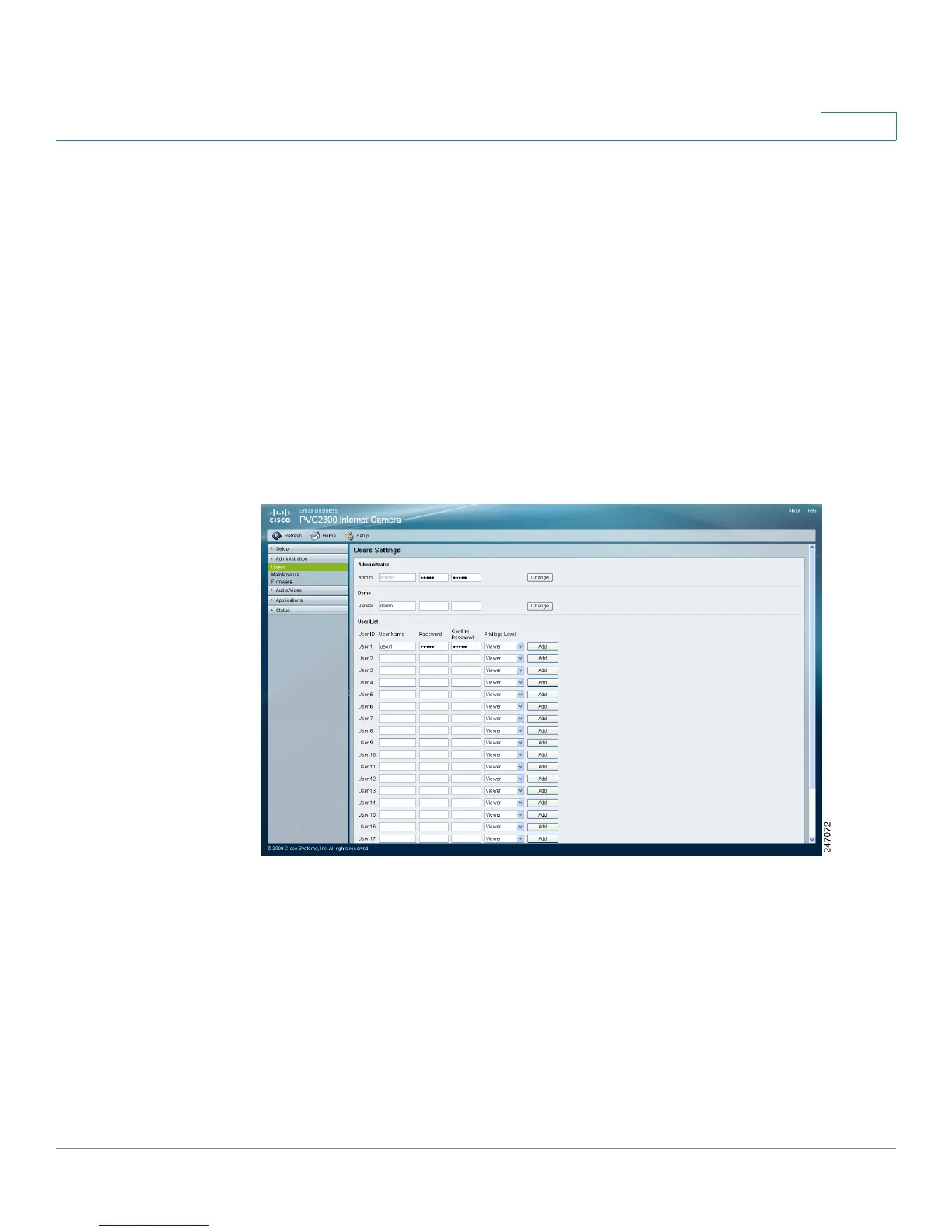
Administration > Users
From the Administration > Users window, you can change the administrator
password, modify demo account settings, and create or modify a user list.
Administrator
• Admin—The default administrator name cannot be changed but the
password can and should be changed for security purposes. To change the
password, enter the desired password in the Password and Confirm
Password fields. Click Change to apply the change.



 To Next Page