Configuring the PVC2300 and WVC2300 Cameras
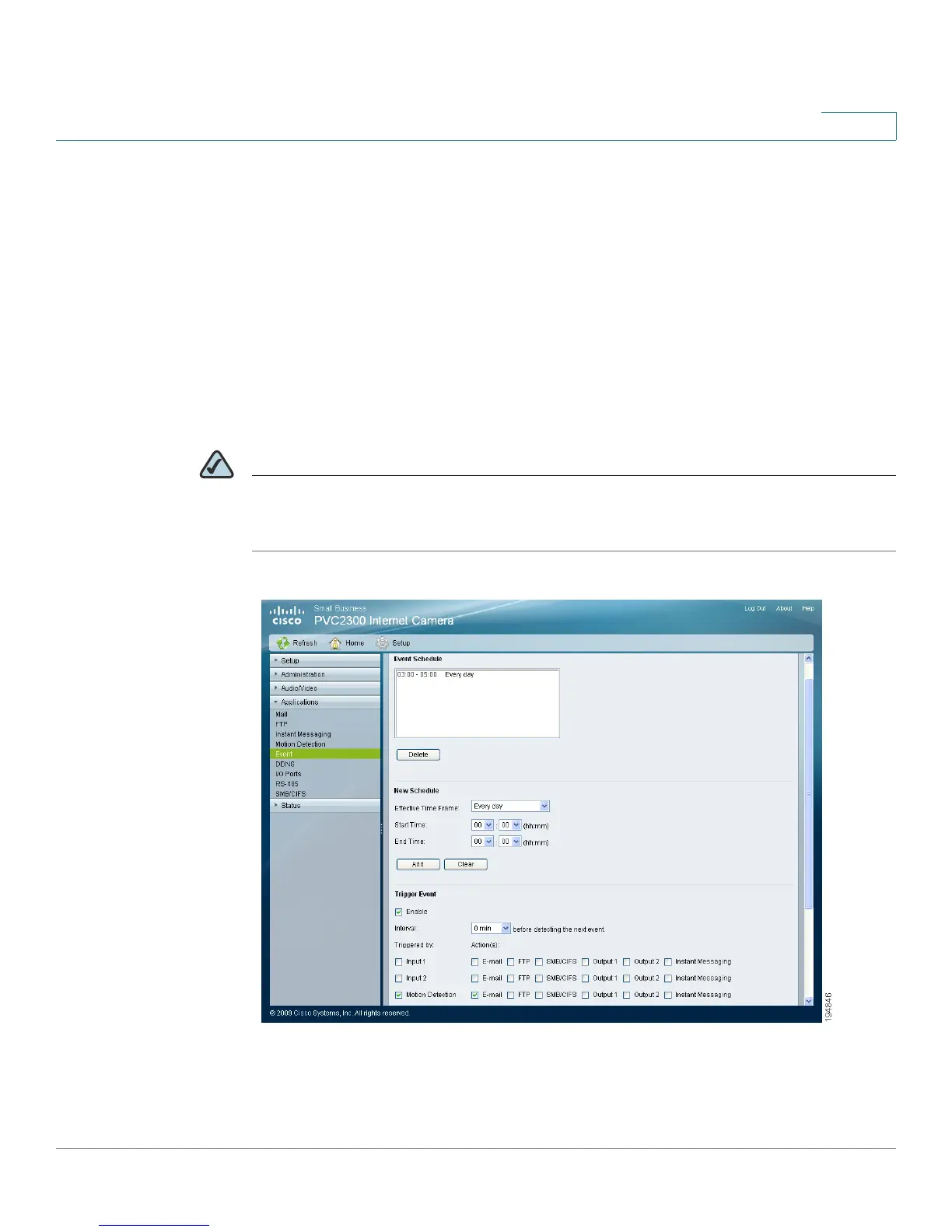
Applications > Event
Cisco PVC2300 and WVC2300 Internet Video Cameras with Audio Administration Guide 91
8
Applications > Event
The Applications > Event window is used to set up the camera applications
functions.
Operating mode allows you to configure Event Trigger settings. A triggered event
is a set of parameters describing how and when the camera will perform certain
triggered actions, according to requirements.
The most common kind of event type will upload video or snapshot files to a
specified destination (E-mail account or FTP server). Other actions performed by
event types can include the activation of an output port.
NOTE It is important to note that adding a new event will stop any event that is currently
running. A scheduled event will automatically resume, if the time is still within the
scheduled period. A triggered event will need to be re-triggered.



 To Next Page