Configuring the PVC2300 and WVC2300 Cameras
Status > Syslog & Log
Cisco PVC2300 and WVC2300 Internet Video Cameras with Audio Administration Guide 106
8
Wireless
NOTE Wireless information is only found on the WVC2300 camera.
• SSID—Displays the wireless network name (SSID) used by the camera.
The default is ciscosb.
• Channel—Displays the wireless channel used by the camera.
• Security—Indicates which wireless security is being used by the camera.
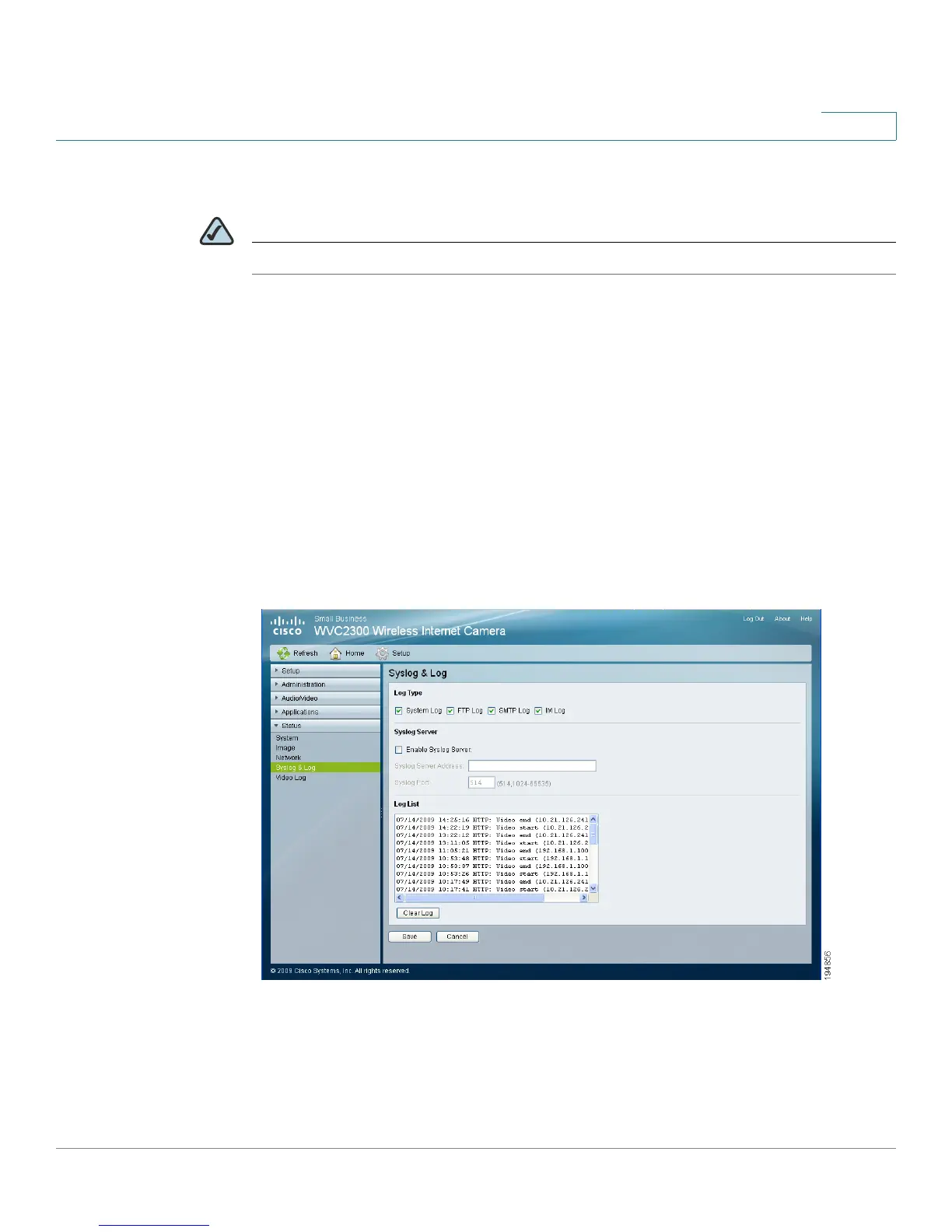
Status > Syslog & Log
The Status > Syslog & Log window has options for Log Type, Syslog Server, and
Log List.



 To Next Page