Configuring the PVC2300 and WVC2300 Cameras
Status > System
Cisco PVC2300 and WVC2300 Internet Video Cameras with Audio Administration Guide 103
8
Status > System
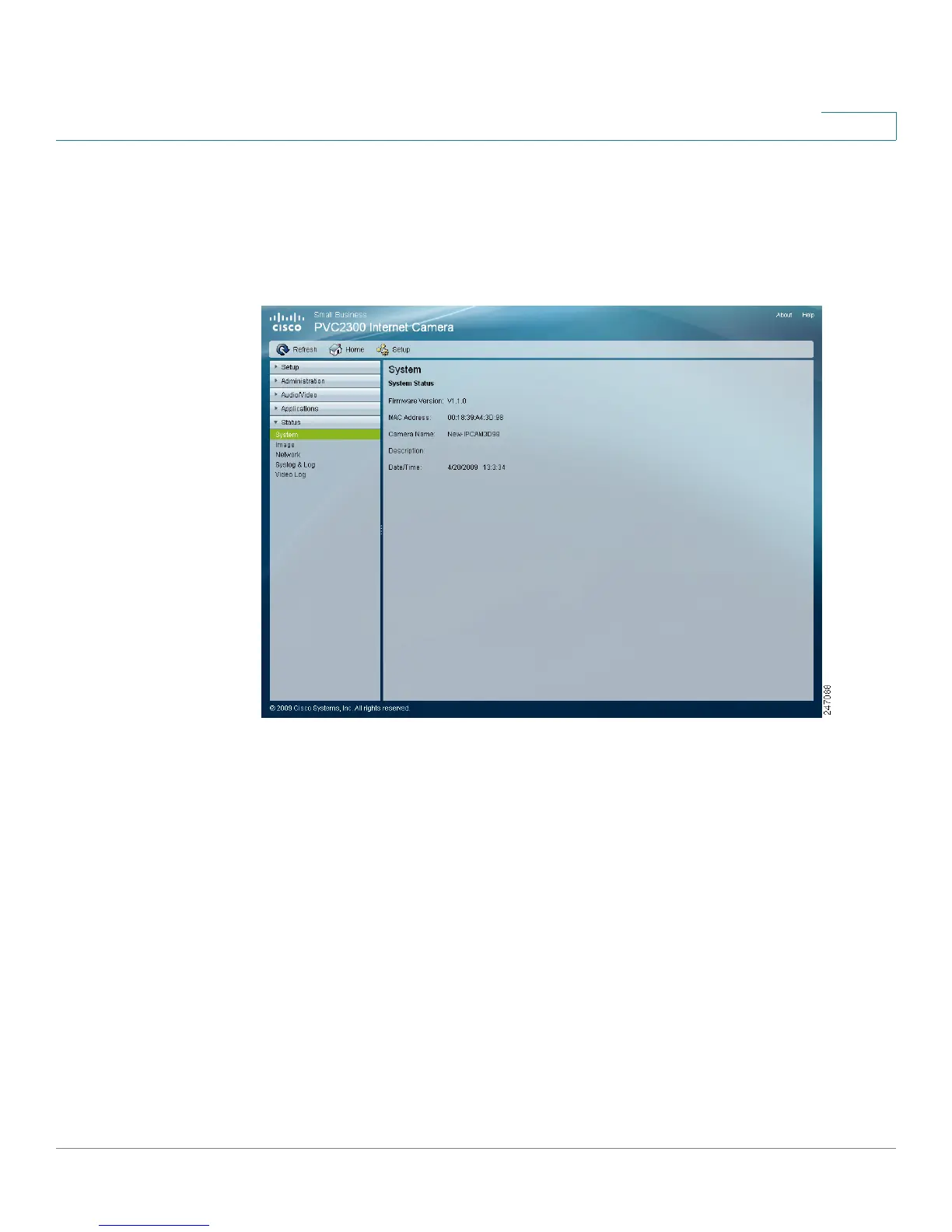
The Status > System window displays the camera system status information such
as firmware version, IP address, MAC address, date, and time.
• Firmware Version—Version of the firmware currently installed. Firmware
can be upgraded from the Administration > Firmware window. You must be
logged in with administrator privileges to upgrade the firmware.
• IP Address—Displays the IP address of the camera.
• MAC Address—Displays the MAC address of the camera.
• Camera Name—Displays the name of the camera, as defined in the
Setup > Basic Setup window. By default, the last six digits of the camera
name come from the last three bytes of the MAC address.
• Description—Displays the description of the camera, as defined in the
Setup > Basic Setup window.
• Date/Time—Displays the current date/time configured on the camera.



 To Next Page