Configuring the PVC2300 and WVC2300 Cameras
Setup > IP Filter
Cisco PVC2300 and WVC2300 Internet Video Cameras with Audio Administration Guide 72
8
The 802.1p header includes a three-bit field for prioritization, which allows packets
to be grouped into various traffic classes. The IEEE has made broad
recommendations concerning how network managers can implement these traffic
classes, but it stops short of mandating the use of its recommended traffic class
definitions. It can also be defined as best-effort QoS (Quality of Service) or CoS
(Class of Service) at Layer 2 and is implemented in network adapters and
switches without involving any reservation setup. 802.1p traffic is simply classified
and sent to the destination; no bandwidth reservations are established.
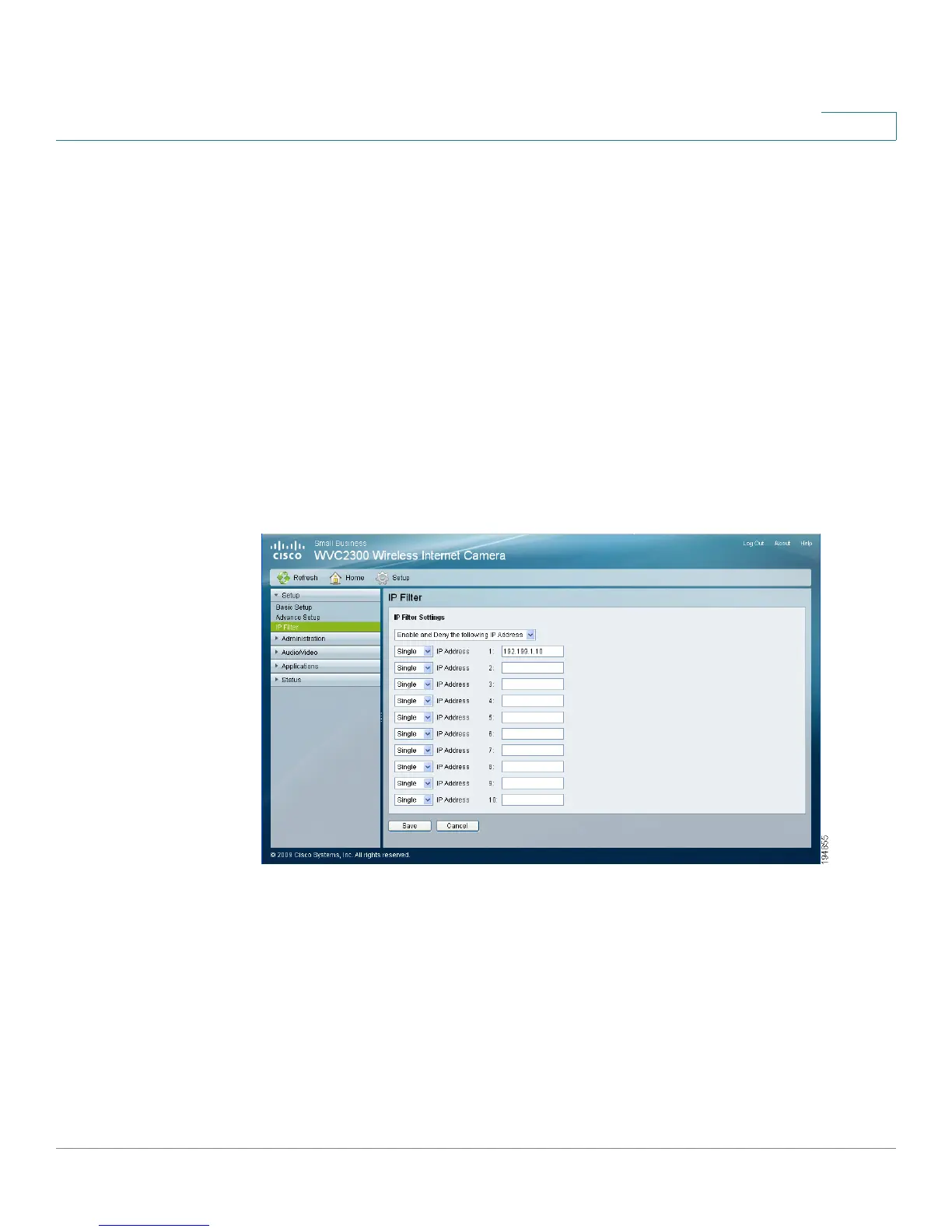
Setup > IP Filter
From the Setup > IP Filter window, you can configure IP Filter Settings to deny or
allow camera access to a specific IP address or range of IP addresses.
IP Filter Settings
• IP Filter Settings—Select from the following options:
- Disable—Disables IP filtering.
- Enable and Deny the Following IP Address—Allows you to deny
access to a specific IP address or range of IP addresses. From the drop-
down list, select Single to enter a specific IP address or Range to enter a
range of IP addresses. Up to 10 values can be configured.



 To Next Page