Configuring the PVC2300 and WVC2300 Cameras
Applications > FTP
Cisco PVC2300 and WVC2300 Internet Video Cameras with Audio Administration Guide 86
8
Applications > FTP
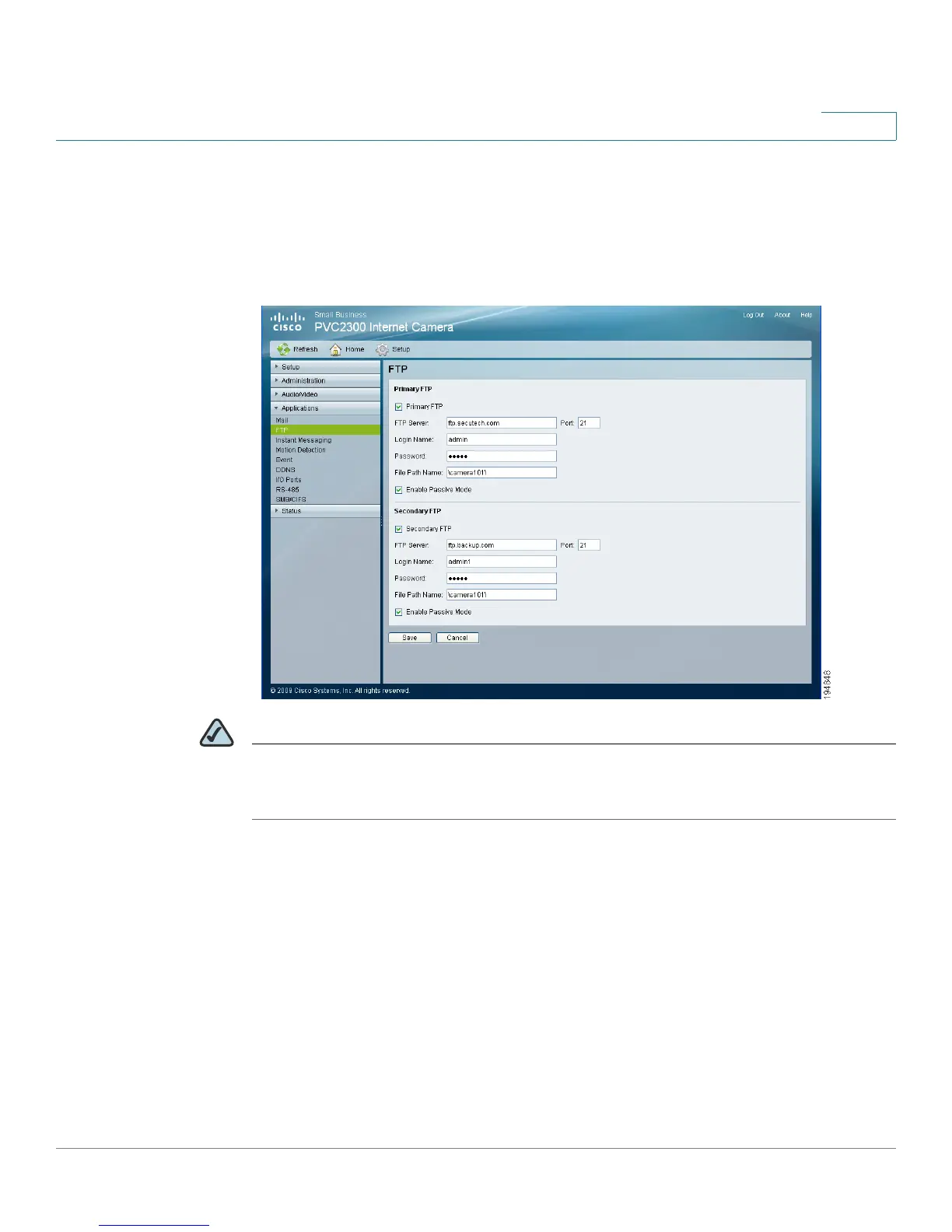
From the Applications > FTP window, you can configure a primary and secondary
FTP server.
NOTE Only one FTP server is used, even if both the primary and secondary FTP servers
are enabled. The secondary FTP server is used if the camera cannot connect to the
primary server.
Primary FTP
• Primary FTP—Check the check box to upload to the primary FTP server.
• FTP Server—Enter the address of the primary FTP server. You can use the
IP address or the domain name.
• Port—Enter the port number for the primary FTP server. The default is 21.
• Login Name—Enter the login name associated with the specified primary
FTP server.



 To Next Page