Configuring the PVC2300 and WVC2300 Cameras
Applications > Motion Detection
Cisco PVC2300 and WVC2300 Internet Video Cameras with Audio Administration Guide 89
8
Applications > Motion Detection
From the Applications > Motion Detection window, you can set the area(s) of the
video image to be examined and adjust the sensitivity of detection for each area.
NOTE Motion detection cannot be configured using the Firefox browser. Internet Explorer
must be used to configure motion detection.
NOTE Motion detection can be triggered by rapid changes in lighting conditions, as well
as by moving objects. For this reason, it should only be used indoors.
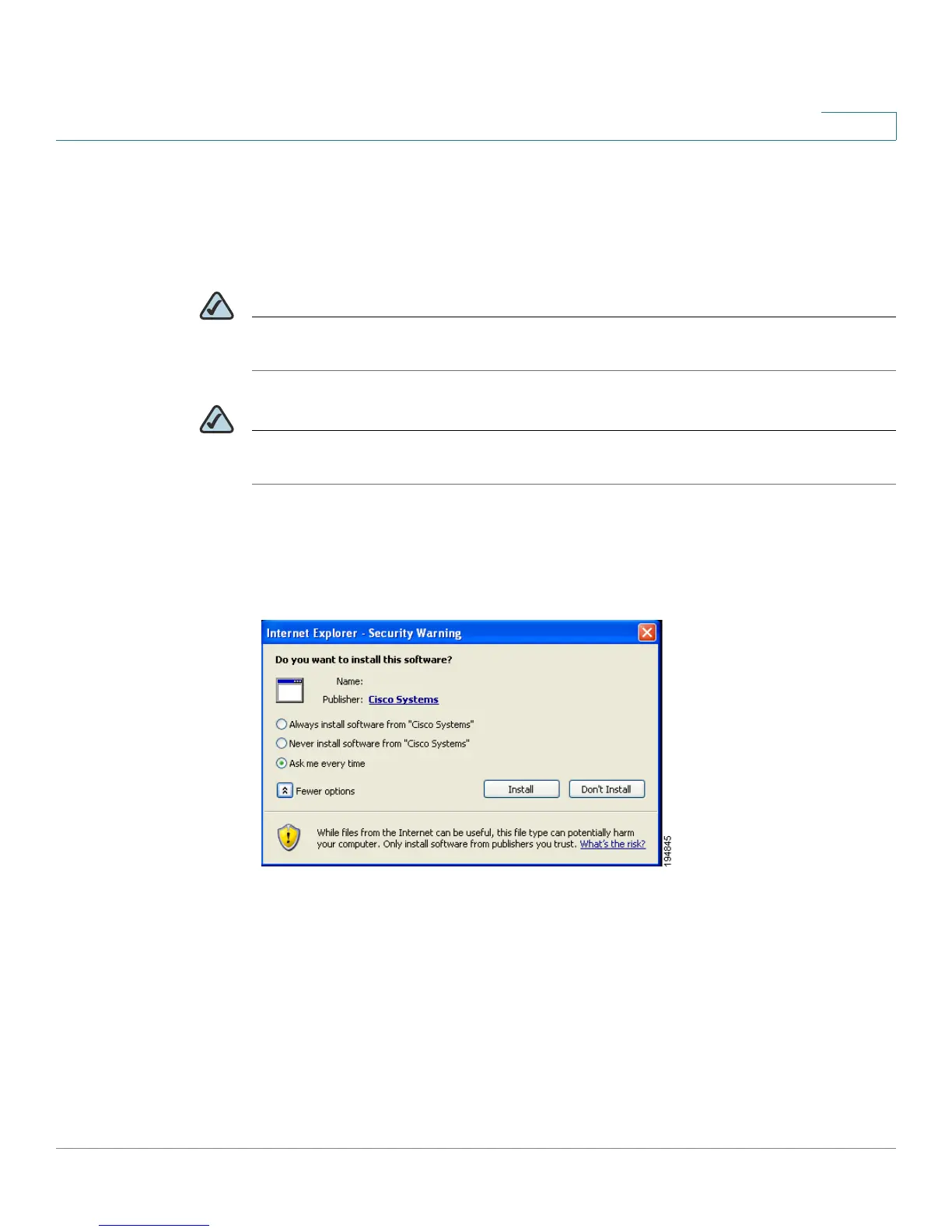
When you first select the Motion Detection option, you are prompted to install an
Active-X plug-in. It is necessary to install this plug-in to use this feature.
Active-X Message



 To Next Page