Configuring the PVC2300 and WVC2300 Cameras
Applications > Motion Detection
Cisco PVC2300 and WVC2300 Internet Video Cameras with Audio Administration Guide 90
8
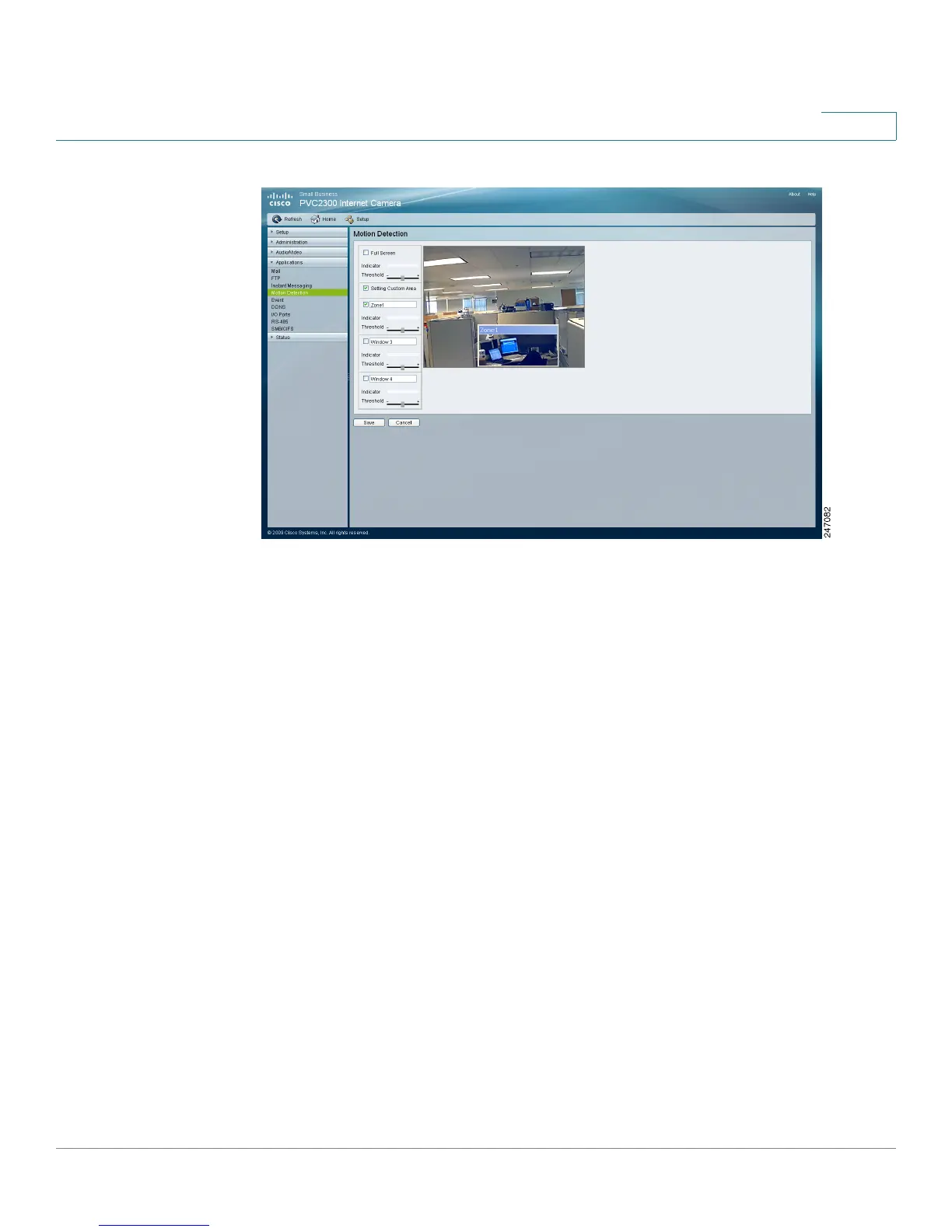
• Full Screen—Enable this option to detect motion events within the full view
of the screen.
- Indicator—Displays the level of motion detected. This option cannot be
configured but is useful for determining a motion threshold.
- Threshold—Adjusts the motion sensitivity.
• Setting Custom Area—Enable this option to capture motion within defined
areas of the video screen. Multiple windows with varied threshold settings
may be used.
- Window 2-4—Enable one or more of these options to detect motion in
specific areas of the video screen. Windows can be defined by simply
extending the window with the cursor. More than one window can be
used at once.
- Indicator—Displays the level of motion detected. This option cannot be
configured but is useful for determining a motion threshold.
- Threshold—Adjusts the motion sensitivity.



 To Next Page