Configuring the PVC2300 and WVC2300 Cameras
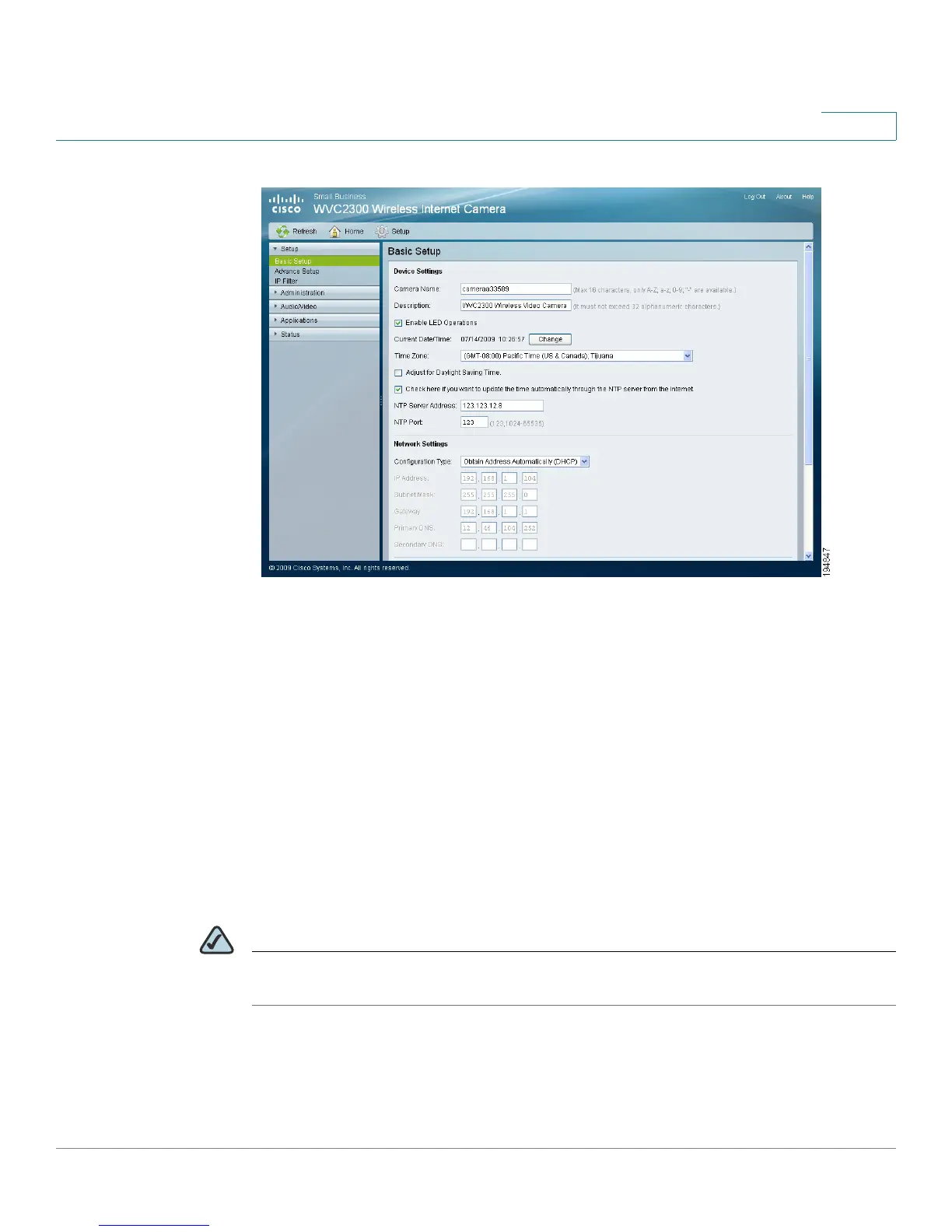
Setup > Basic Setup
Cisco PVC2300 and WVC2300 Internet Video Cameras with Audio Administration Guide 60
8
Device Settings
• Camera Name—Enter the preferred name for the camera. The camera
name must not exceed 16 alphanumeric characters.
• Description—Enter a description of your camera, such as the location of
the camera. Entering a description will help you identify the camera. It must
not exceed 32 alphanumeric characters.
• Enable LED Operations—Check the check box if you want to turn on the
LED.
• Current Date/Time—Displays the current date and time. Click Change to
modify the time settings.
NOTE To change the current date and time, uncheck the check box Check here if you
want to update the time automatically through the NTP Server on the Internet.



 To Next Page