Configuring the PVC2300 and WVC2300 Cameras
Administration > Users
Cisco PVC2300 and WVC2300 Internet Video Cameras with Audio Administration Guide 75
8
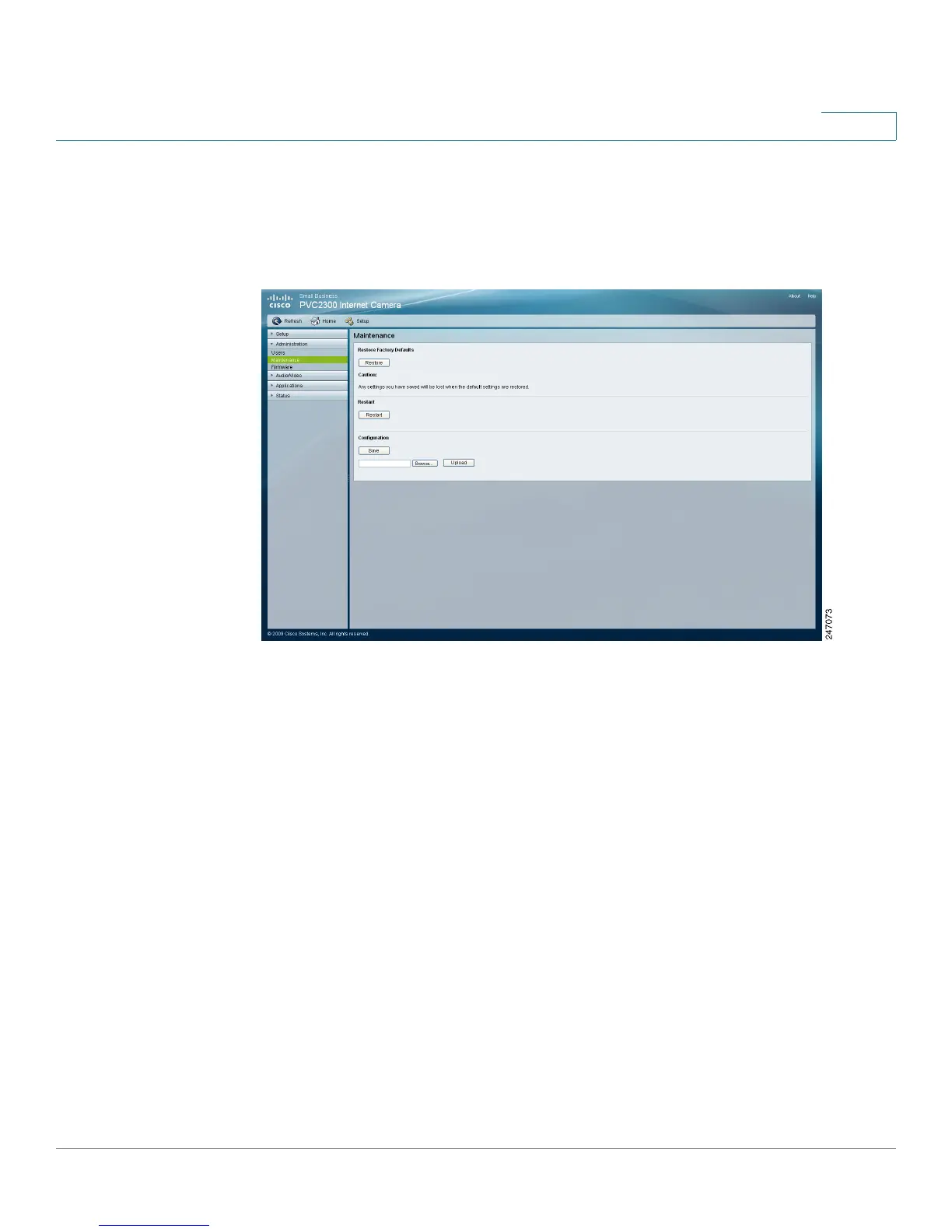
Administration > Maintenance
From the Administration > Maintenance window, you can restore factory defaults,
restart the camera, save the configuration settings, or upload a configuration file.
Restore Factory Defaults
• Restore—Restores the camera to the factory default settings.
Restart
• Restart—Restarts the camera.
Configuration
• Save—Save a configuration file containing all of the current camera
management settings.
• Browse—Locate a previously saved configuration file.
• Upload—Upload a previously saved configuration file into the camera.



 To Next Page