Configuring the PVC2300 and WVC2300 Cameras
Applications > Event
Cisco PVC2300 and WVC2300 Internet Video Cameras with Audio Administration Guide 94
8
configured Jabber settings in the Applications > Instant Messaging
window. See “Applications > Instant Messaging” on page 88.
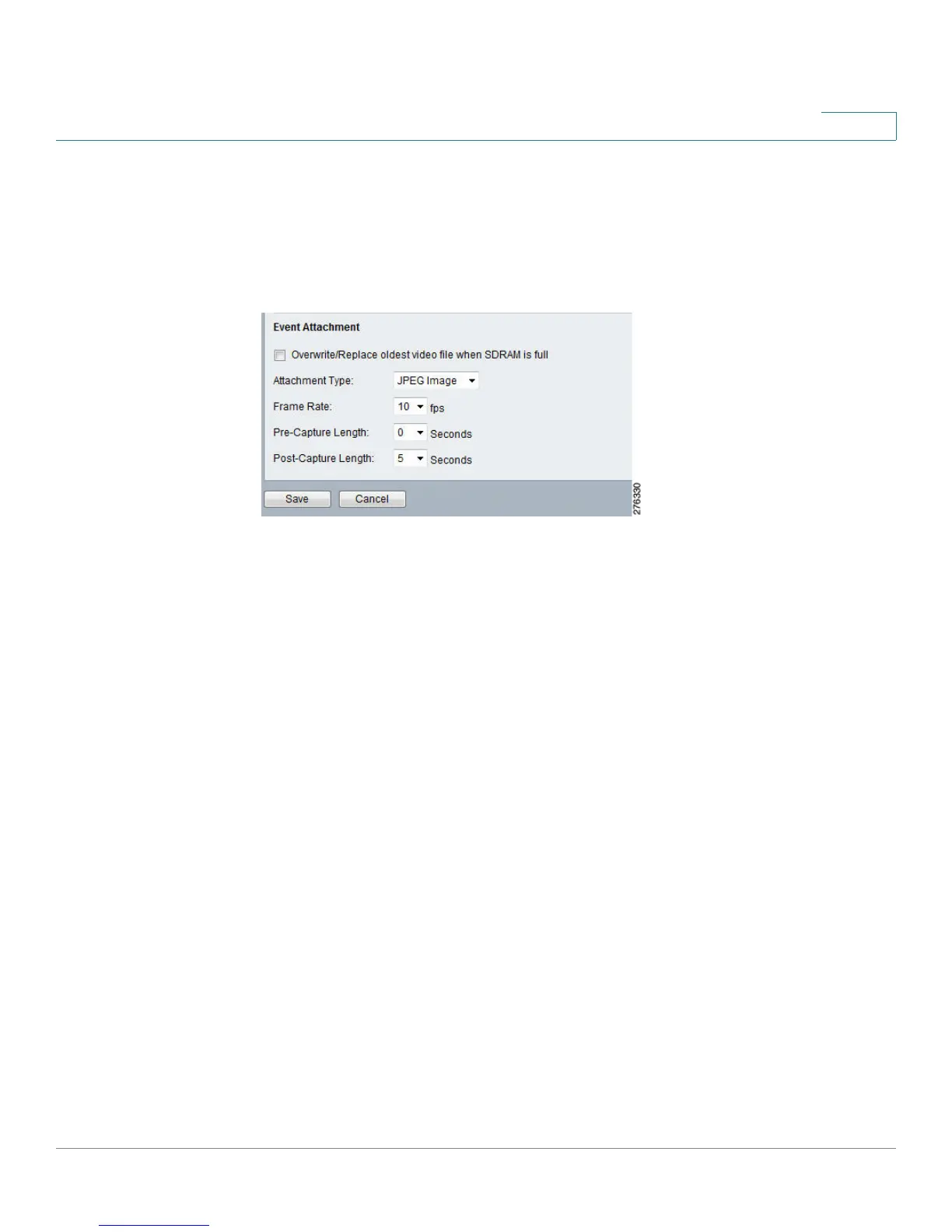
Event Attachment
When trigger events are enabled and an e-mail or FTP action is selected, the
following options are enabled:
• Overwrite/Replace oldest video file—Check the box to overwrite and
replace the oldest video clip with the current recording when detecting
device’s SDRAM is full.
• Attachment Type—From the drop-down list, select the type of attachment:
- JPEG Image—Select to send image captures.
- Frame Rate—Select the desired capture rate for the JPEG image(s).
- Pre/Post Capture—Select the desired length. The snapshot(s) of the
JPEG image depends on this setting, and also the file size and degree
of compression.
• Video—Select to send video captures.
- Video Format (MPEG-4 Mode Only) — Select the format for the video
file.
— ASX: Advanced Stream Redirector. Media container file based on
XML metadata to store a list of Windows Media files.
— MP4 (no audio)
— 3GP (no audio)



 To Next Page