Getting to Know the PVC2300 and WVC2300 Cameras
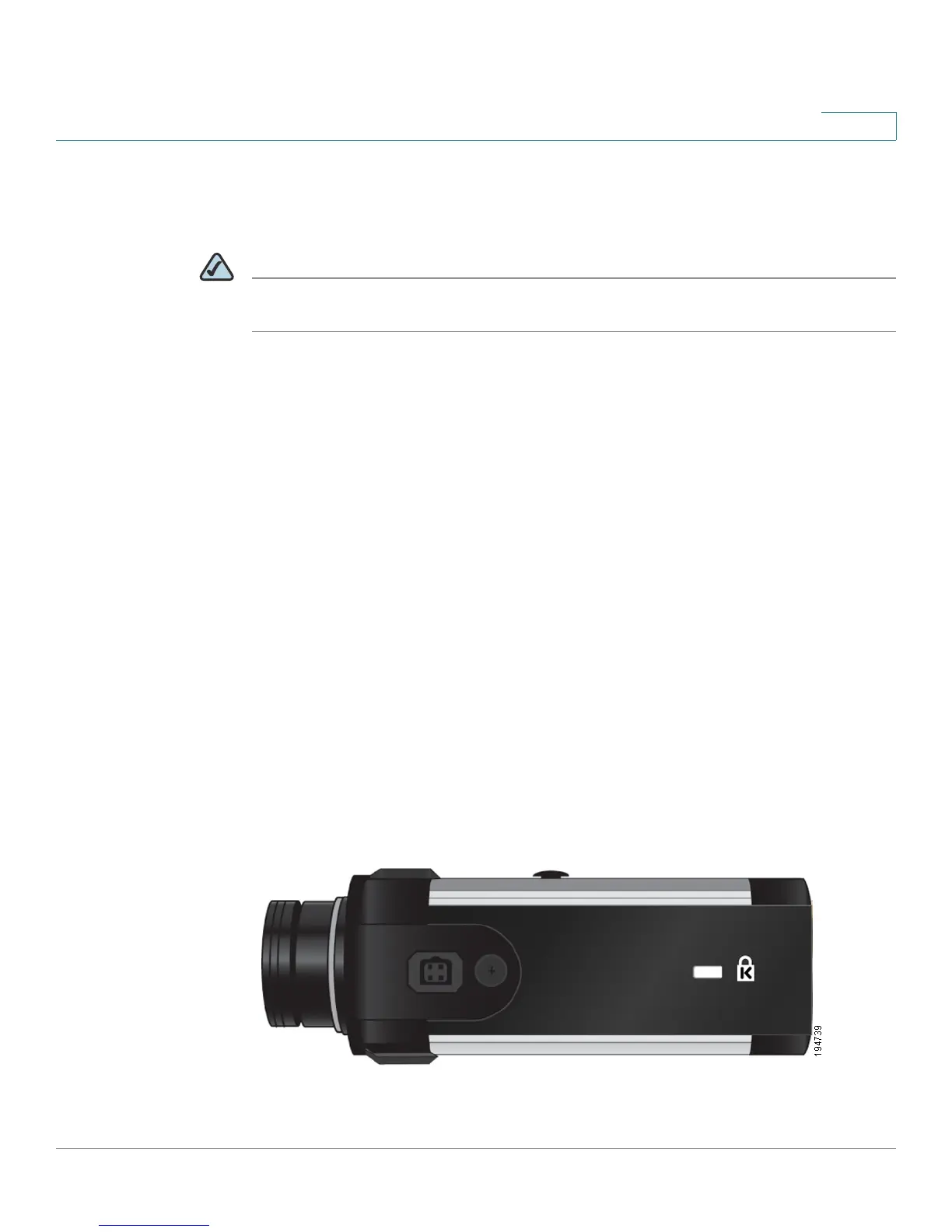
Side Panel
Cisco PVC2300 and WVC2300 Internet Video Cameras with Audio Administration Guide 14
3
Power
The Power port is where you will connect the power adapter.
NOTE NOTE FOR PVC2300: The Power port is automatically turned off if a PoE connection
is detected on the Ethernet port.
GPIO
This port is utilized for I/O connections. Detailed specifications can be found in the
Specifications section of this Administration Guide.
Mic In
This jack is used to connect an external microphone to the camera.
Spkr Out
This jack is used to connect powered speakers to the camera.
Side Panel
The security slot is located on a side panel of the camera and can be used to
attach a Kensington lock.



 To Next Page