Using the Web-Based Configuration Utility
Home
Cisco PVC2300 and WVC2300 Internet Video Cameras with Audio Administration Guide 52
7
STEP 3 If this is your first time accessing the web-based utility, follow these steps at the
login window:
a. Enter admin in the User name field.
b. Enter admin in the Password field.
c. Click OK.
For security purposes, it is recommended that you later reset your password in the
Administration > Users window.
Home
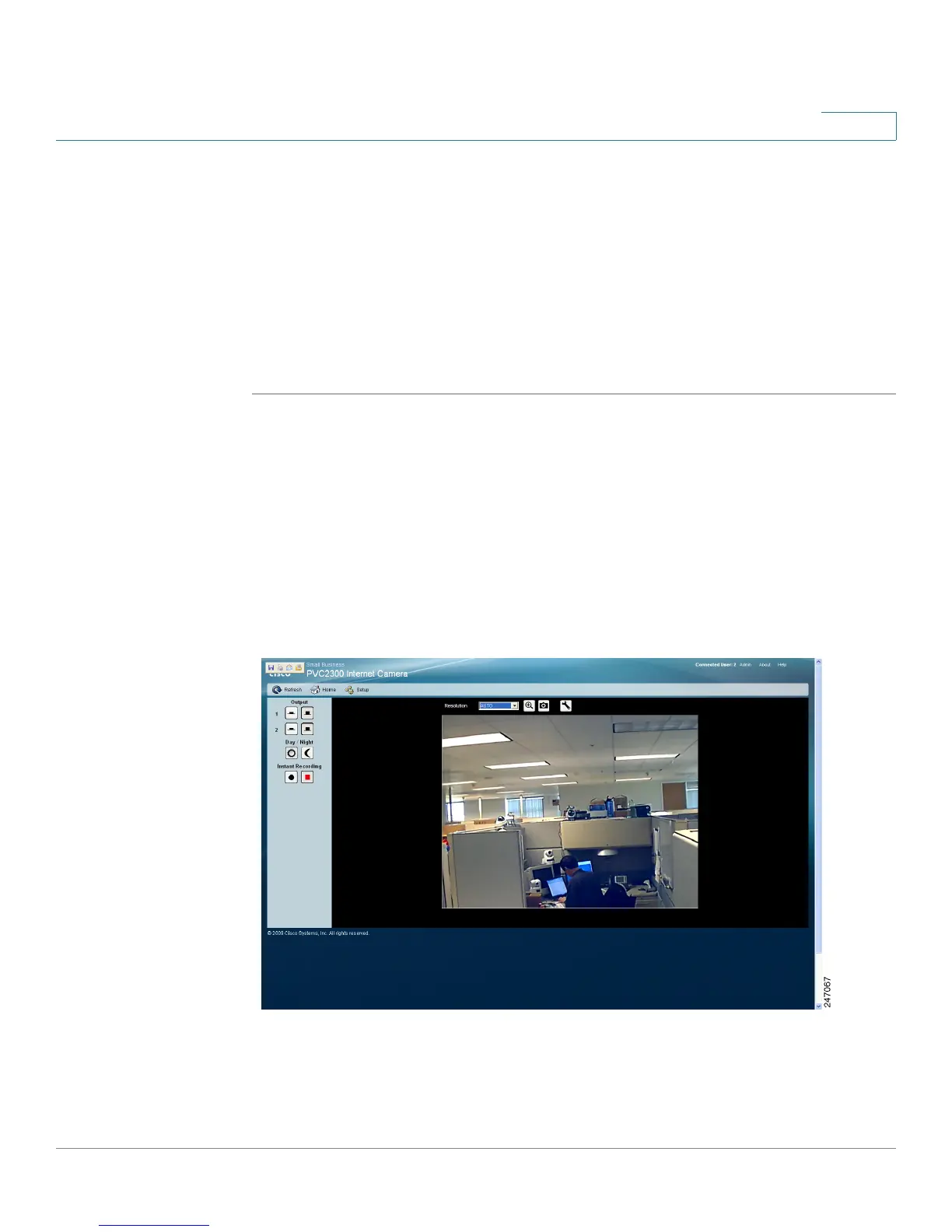
The Home window is the default display. From this window, live video can be
viewed and the output can be updated. The camera type is identified in the upper
left. You can always return to the Home window by clicking Home in the toolbar.
This section describes the options available to you on the Home window.
Refresh
Refreshes the display.



 To Next Page