Configuring the PVC2300 and WVC2300 Cameras
Audio/Video > Audio
Cisco PVC2300 and WVC2300 Internet Video Cameras with Audio Administration Guide 82
8
• Audio Type—When the microphone is enabled, this drop-down menu
allows you to select the audio compression type.
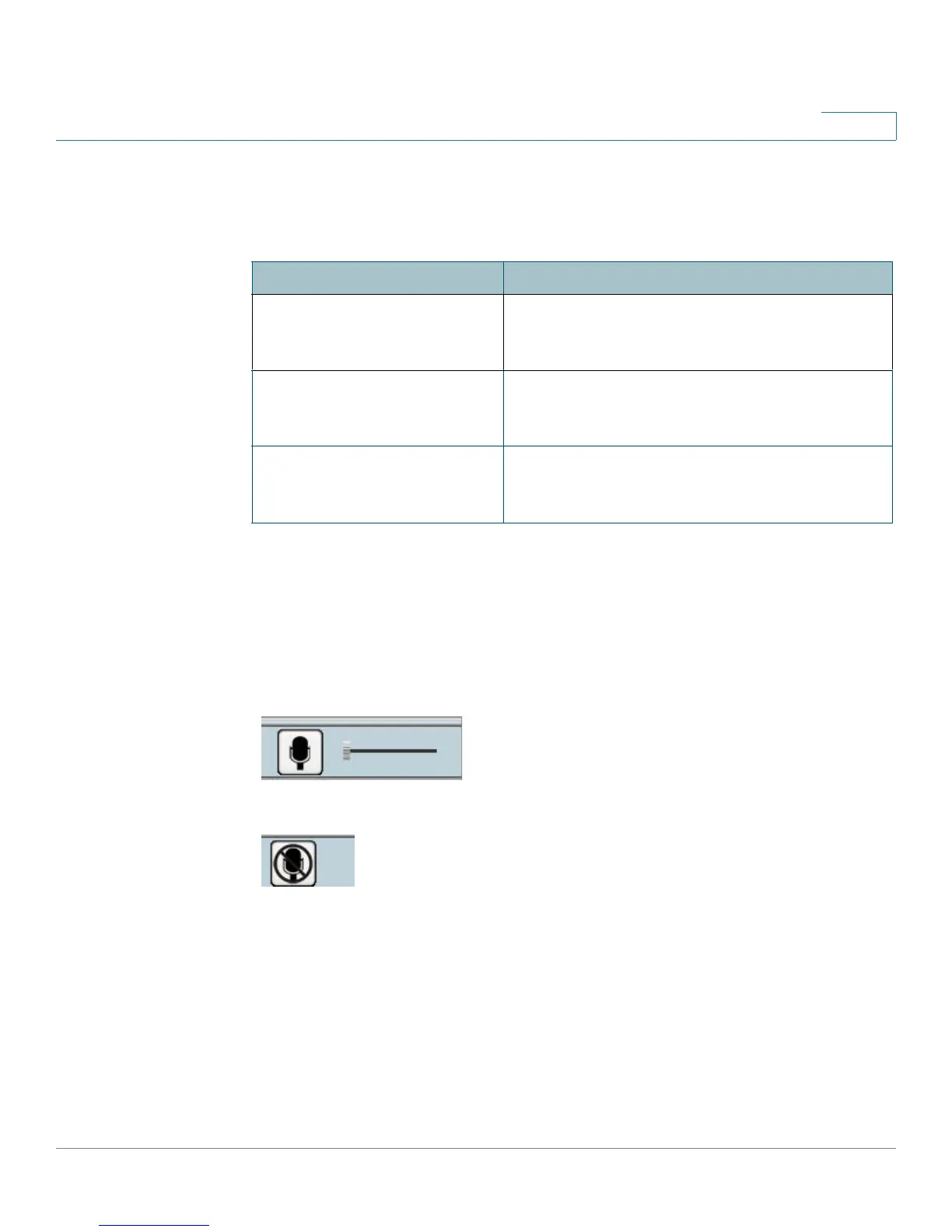
• Enable Speaker—When the speaker is enabled, an icon is displayed on the
Home window. You can use the icons to turn the speaker on and off. The
check box is auto-checked depending on the audio mode you set. If you set
the audio mode to Simplex (Listen Only), then the check box is auto-
checked. If you set the audio mode to Simplex (Talk Only), then the check
box is automatically unchecked.
Speaker On
Speaker Off
Setting
Description
G.726 Default audio compression algorithm, uses 32
Kbps of bandwidth with quality similar to G.711
but using only half of the bandwidth.
G.711 A-Law A standard compression algorithm that uses
64 Kbps of bandwidth and is primarily used in
Europe.
G.711 μ-Law A standard compression algorithm that uses
64 Kbps of bandwidth and is primarily used in
North America and Japan.



 To Next Page