Installing the Camera Software
Configuring the Basic Camera and Network Settings
Cisco PVC2300 and WVC2300 Internet Video Cameras with Audio Administration Guide 25
5
To configure the basic camera and network settings, follow these steps:
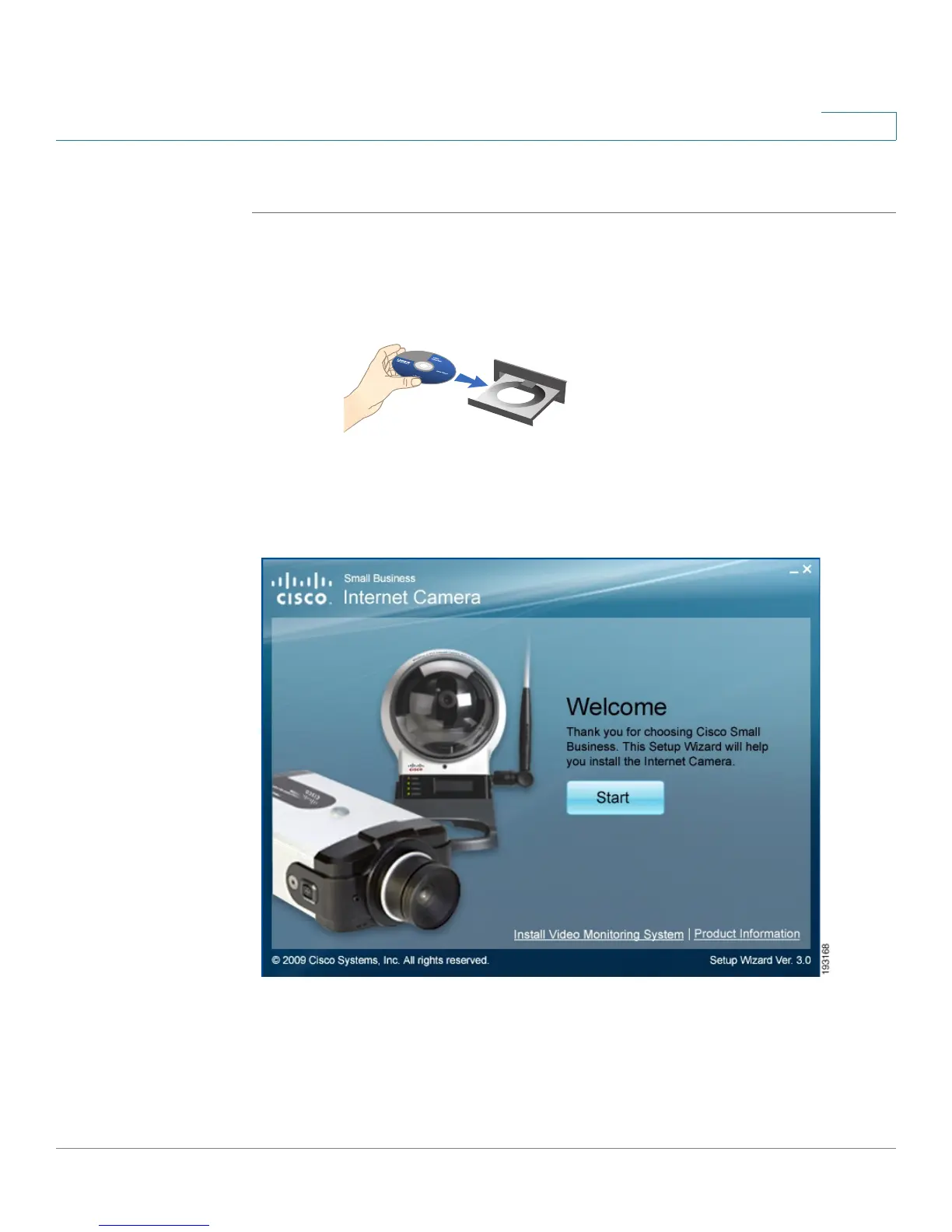
STEP 1 Insert the Setup CD into your CD-ROM drive. If the CD doesn’t run automatically, go
to My Computer and click on your CD-ROM drive.
STEP 2 The Welcome window appears. Click Start.



 To Next Page