Installing the Camera Software
Configuring the Basic Camera and Network Settings
Cisco PVC2300 and WVC2300 Internet Video Cameras with Audio Administration Guide 30
5
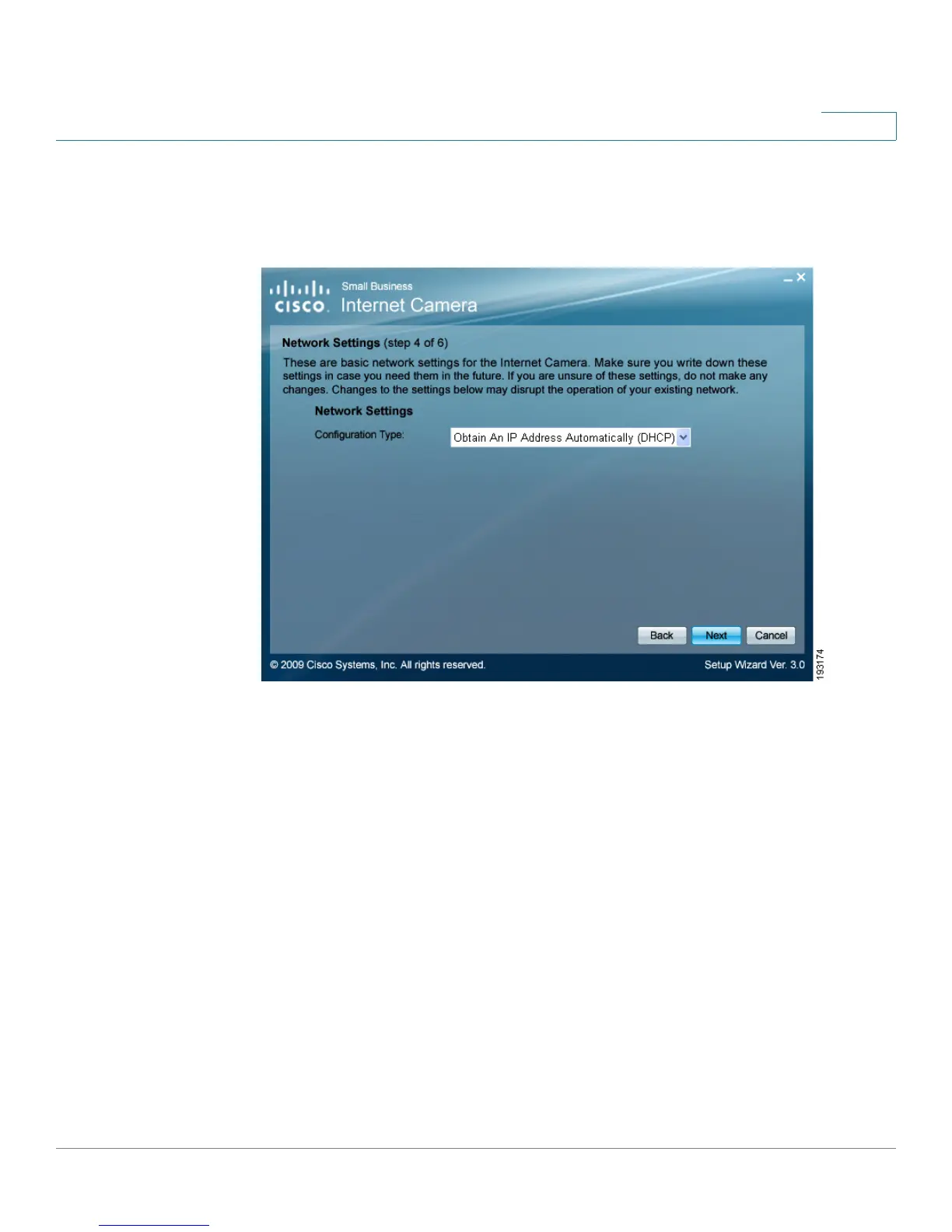
STEP 9 In the Network Settings window, select Static IP address from the drop-down list
if you want to assign the IP address. Otherwise, leave the default setting as Obtain
An IP Address Automatically (DHCP) and click Next.



 To Next Page