Installing the Camera Software
Configuring the Basic Camera and Network Settings
Cisco PVC2300 and WVC2300 Internet Video Cameras with Audio Administration Guide 33
5
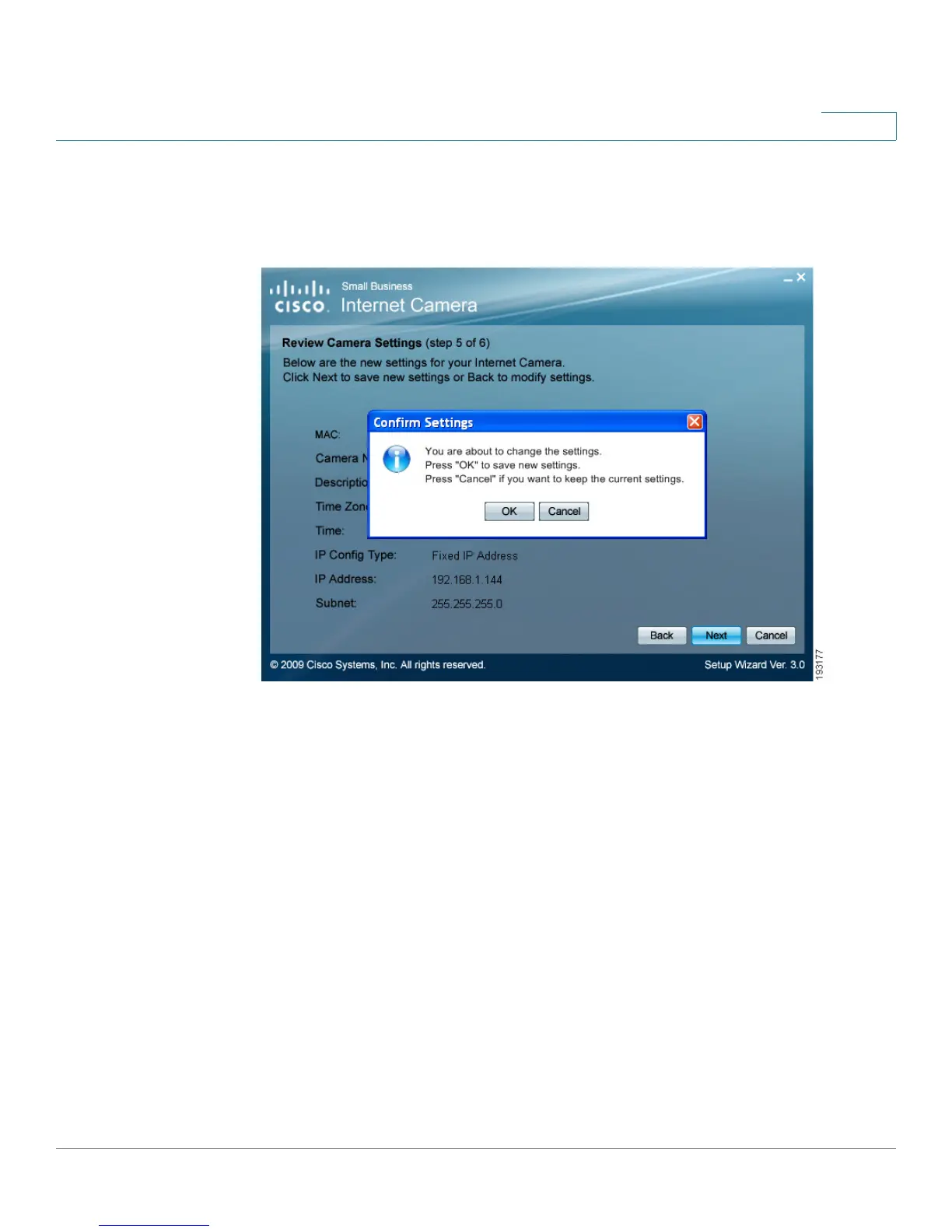
STEP 12 From the Confirm Settings window, click OK to continue or Cancel to close the
Confirm Settings window. When Cancel is clicked, you can click Back to make
changes.



 To Next Page