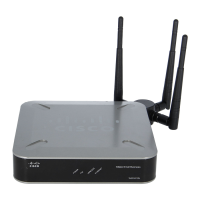
Configuring the WAP2000 Access Point
Configuring Administration Settings
Cisco WAP2000 Wireless-G Access Point with Power Over Ethernet Administration Guide 55
6
Configuring the Administration Log
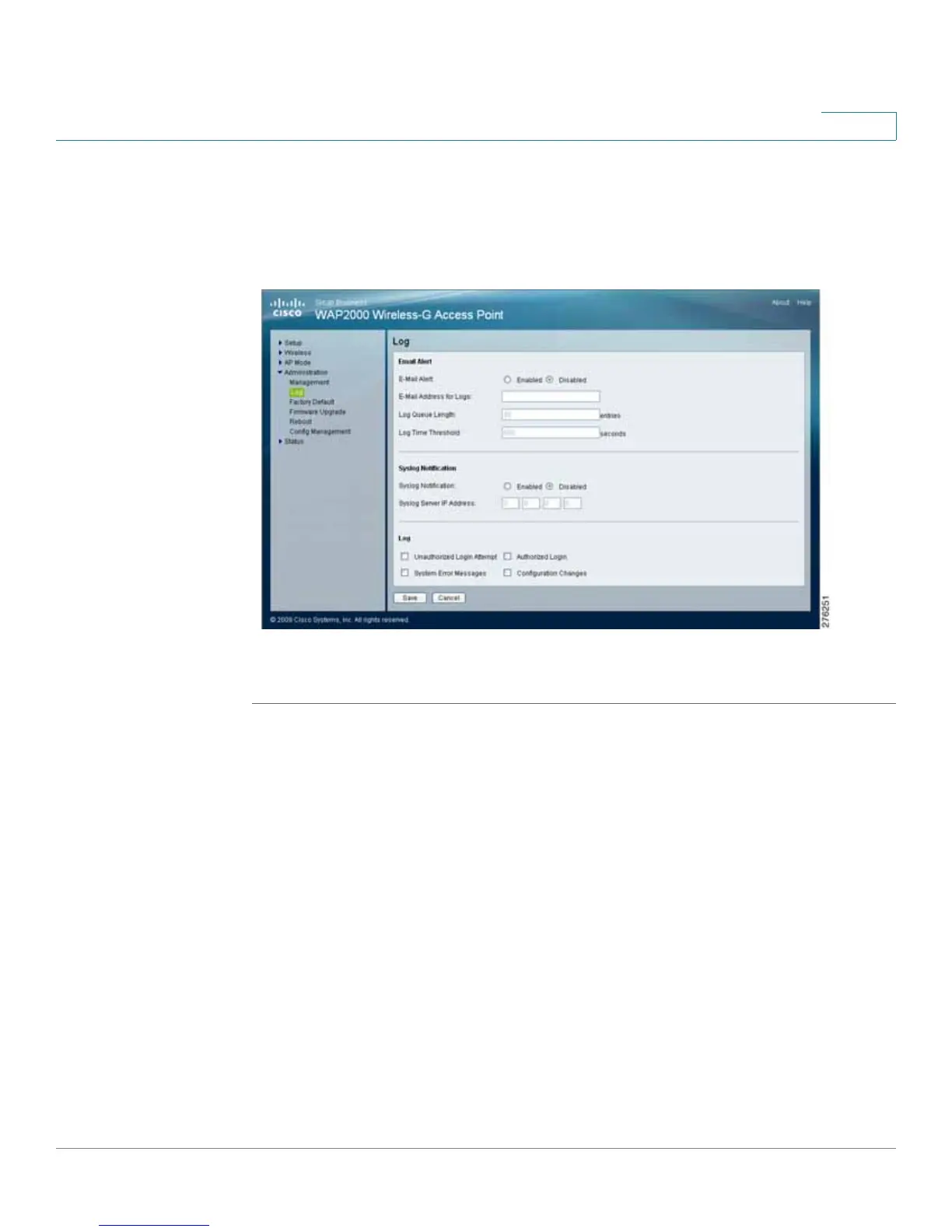
The Administration > Log window configures the log settings and provides alerts
for particular events.
To configure the log settings of the access point, follow these steps:
STEP 1 Click Administration > Log.
STEP 2 Configure the log settings:
• Email Alert
- E-Mail Alert—If you want the access point to send e-mail alerts in the
event of certain activities, select Enabled. The default is Disabled.
- E-Mail Address for Logs—Enter the e-mail address that receives logs.
- Log Queue Length—Enter the length of the log that is e-mailed to you.
The default is 20 entries.
- Log Time Threshold—Specify how often the log is emailed to you. The
default is 600 seconds (10 minutes).




 To Next Page