Configuring the WAP2000 Access Point
Verifying Access Point Status
Cisco WAP2000 Wireless-G Access Point with Power Over Ethernet Administration Guide 61
6
Verifying Access Point Status
This section describes how to check the status of the access point:
• Checking Local Network Status, page 61
• Checking Wireless Status, page 63
• Checking System Performance, page 64
Checking Local Network Status
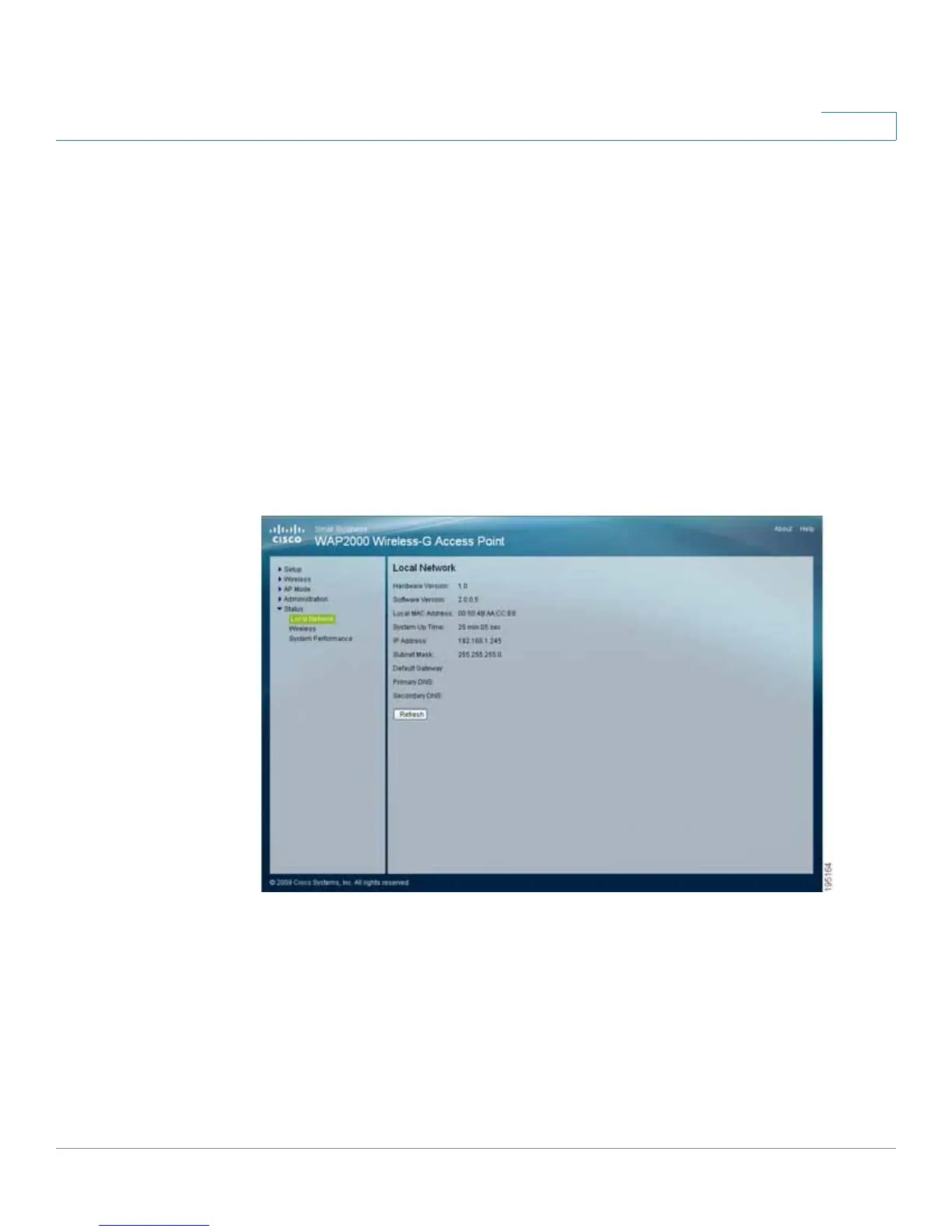
The Status > Local Network window displays the access point’s current status
information for the local network.










 To Next Page