000 299 119 5 - BA ROLLANT 240 - 250 - 254 - 255 11.4.1
CLAAS COMMUNICATOR
FAULT DISPLAY
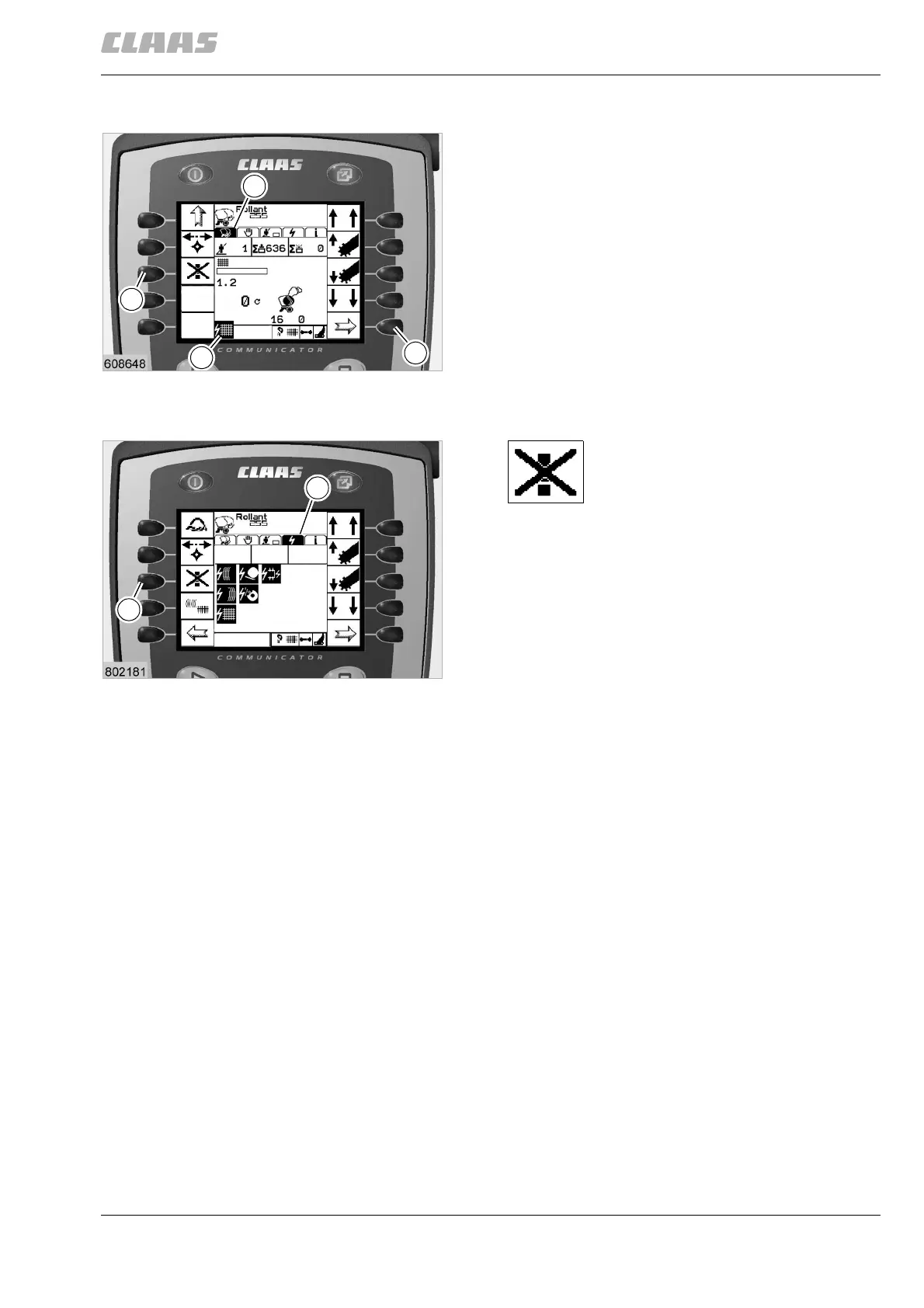
Operational faults are displayed in two different
menus: in the application menu (1) and in the fault
menu (4).
In the application menu (1), faults are displayed as
symbols in the normal window.
If more than one fault occurs, they may be shown
overlapping in the window. The most important faults
will be displayed on top.
All faults can be retrieved in the fault menu (4).
See chapter 12 »Faults and remedies« in the
operating instructions to rectify the faults.
Rectify fault (Q) according to the
instructions in chapter 12 »Faults
and remedies«.
Press key (R) to delete the
symbol in the display.
(Fig. 1, 2)
1
D
Q
1
R
2
R
4
CLAAS COMMUNICATOR



 To Next Page
 Loading...