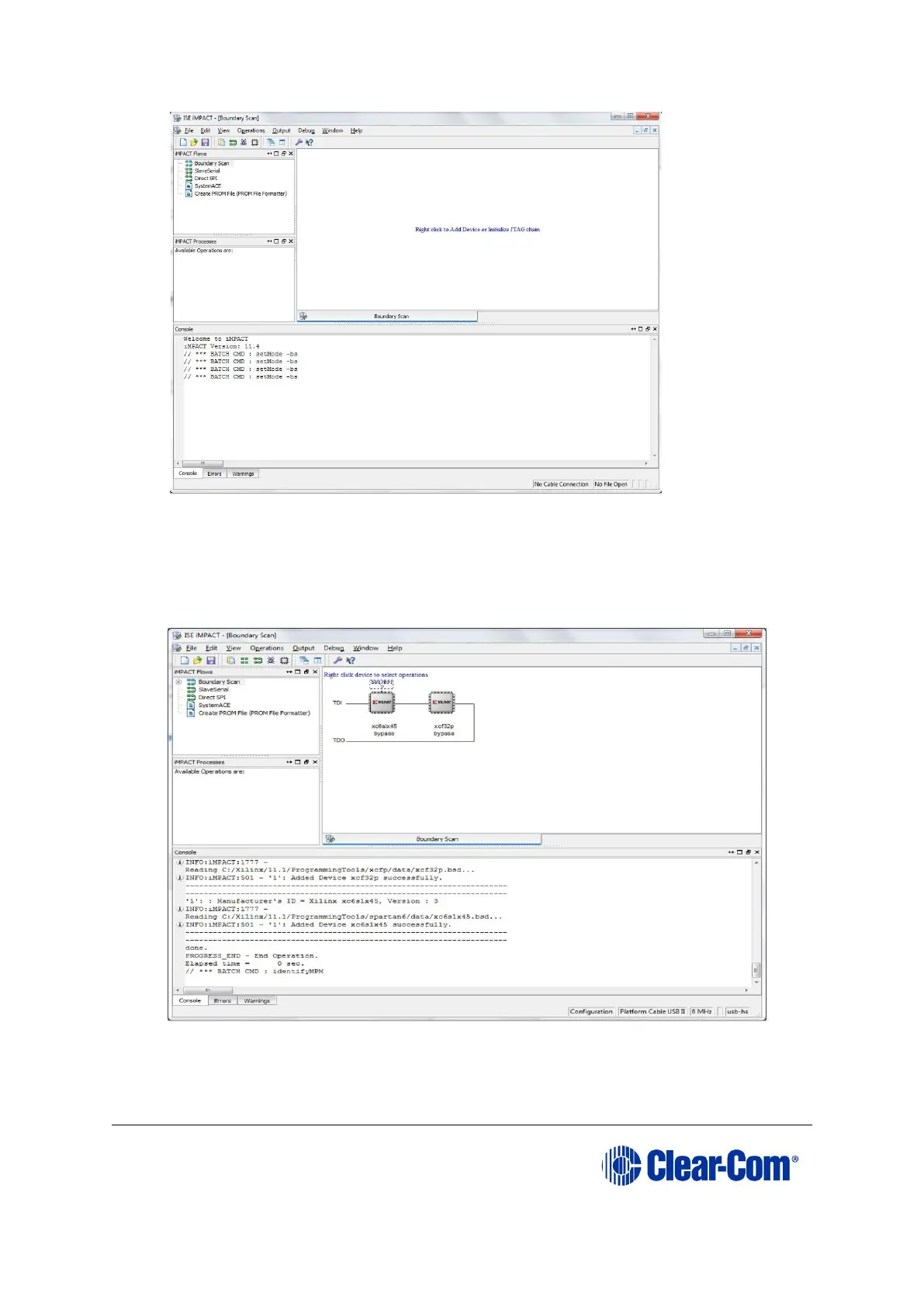
Figure 6-15: Example iMPACT Boundary Scan
1. If the cable is connected correctly, the application will connect and a Xilinx chip
chain will be shown. If the cable is not connected correctly, a cable connection
warning is given.
The full chain should show two devices, as shown in the example figure below.
Figure 6-16: Example Xilinx chip chain



 To Next Page