15.2 Upgrading the TEL-14 firmware
To upgrade the TEL-14 firmware:
1. Ensure that you have the following equipment:
MVX-A16 serial upgrade
cable (Clear-Com part
CAB-MVX-48Z)
See:
Figure 28: MVX-A16 Serial upgrade cable.
Third party software is available from either of the
Eclipse HX 9.0 upgrade media:
• Software USB > SOFTWARE - EHX.xxx >
3rd_Party_Software > FlashMagic
• Drivers USB > ECLIPSE DRIVERS >
3rd_Party_Software > FlashMagic
Tip: For more information about installing Flash
Magic, see Appendix H: Flash Magic.
TEL-14 application software. The TEL-14
application software (*.HEX format file) is
available from the software USB:
• Drivers USB > ECLIPSE DRIVERS >
Other_Software >xxxxxx-TEL-14
Application
Where xxxxxx represents the product number.
Table 15-1: Required equipment
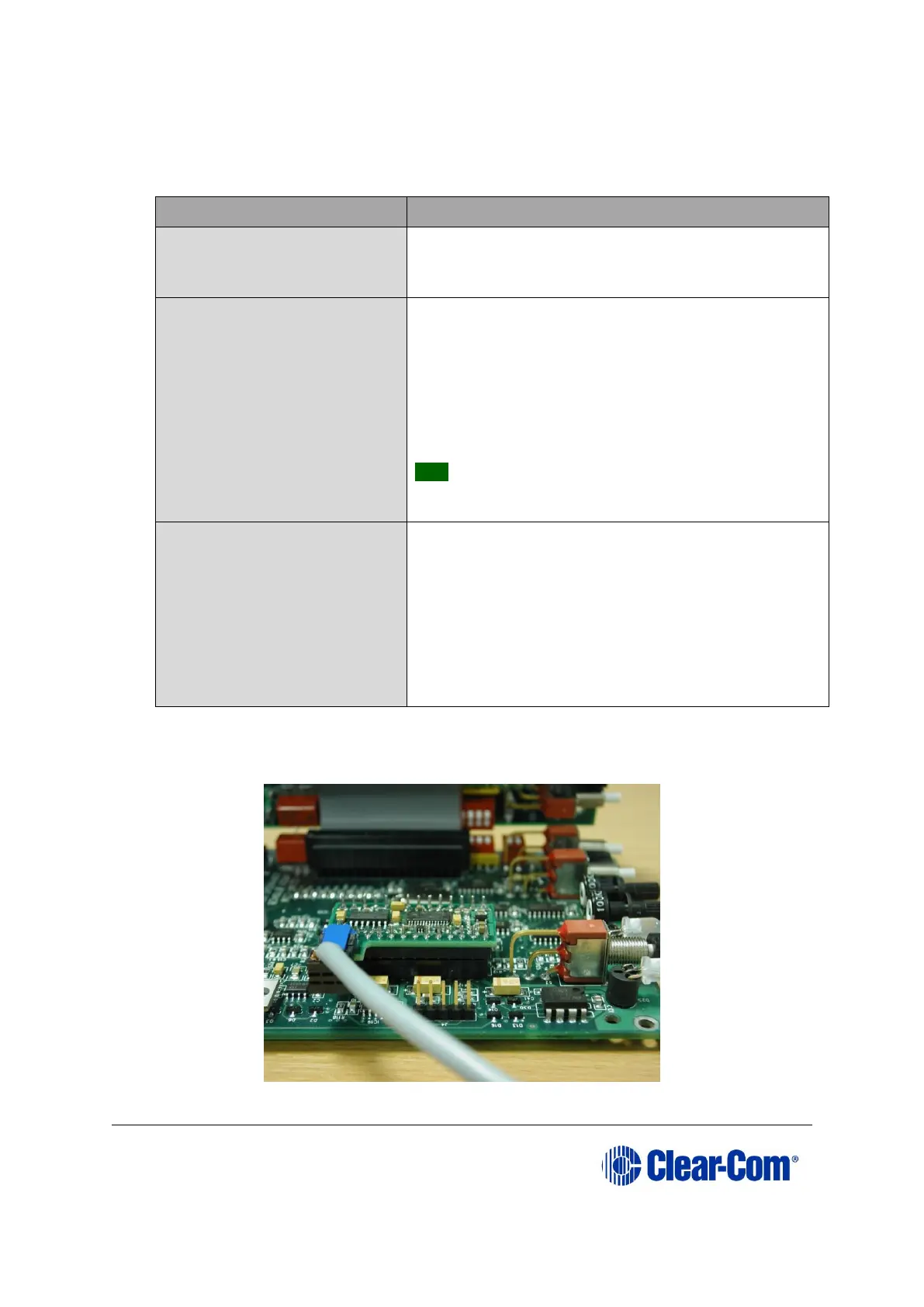
2. Connect the PC to the Serial Programming port of the TEL-14 processor card, as
shown in the following figure.
Figure 15-3: Processor module with serial cable attached



 To Next Page