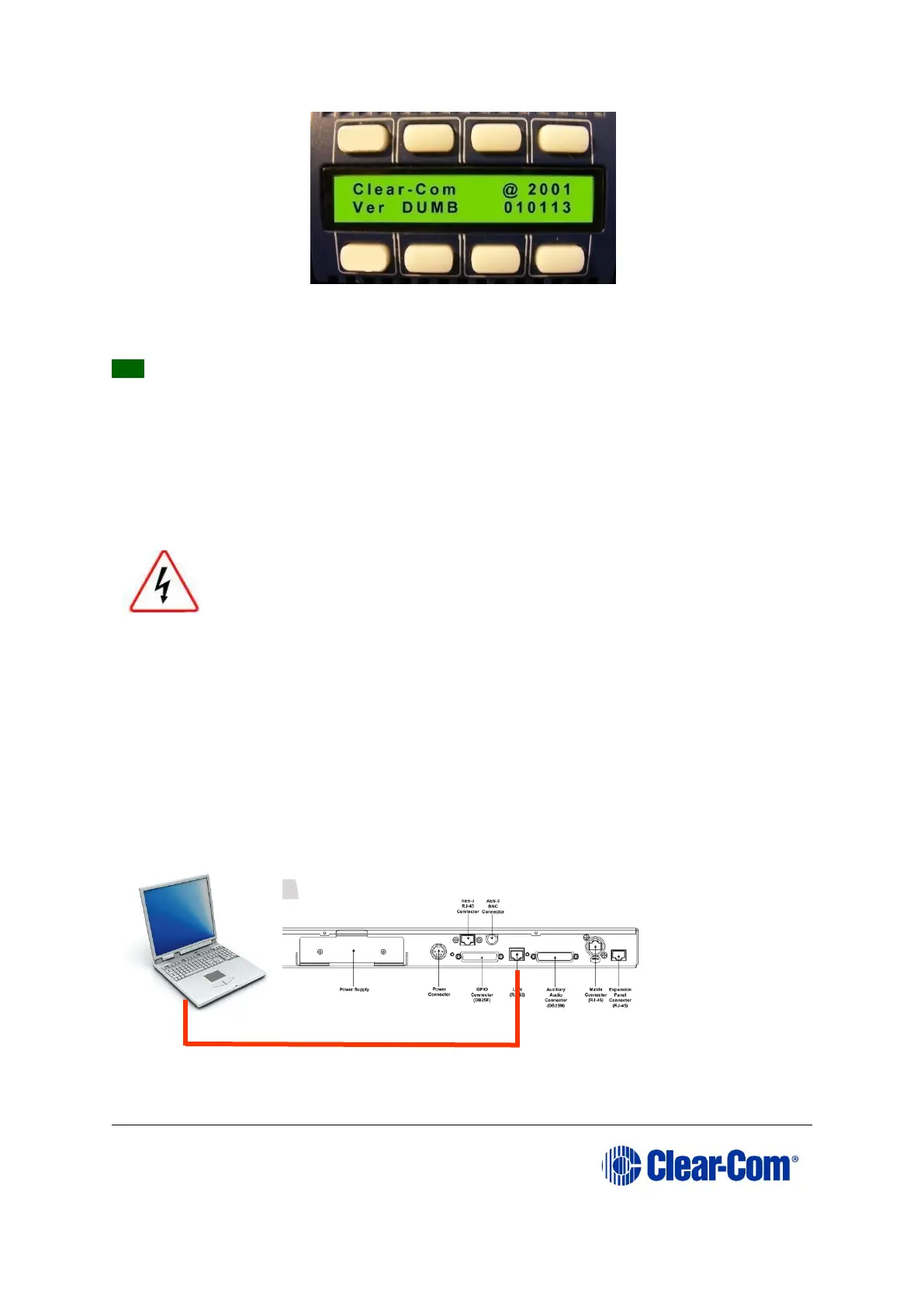
Figure 14-16: Example version display
Tip: For help with selecting the other procedures you require for upgrading to EHX
V5.2.5, see the quick reference procedures tables in 2 Selecting Upgrade
Procedures.
14.3 Manually upgrading V-Series panels
Before attempting to upgrade V-Series panels, ensure that anti-static precautions are
taken, as the Eclipse HX items are sensitive to static discharges.
Observe all electrical shock hazard warning and precautions for
handling electrostatic sensitive devices
V-Series panels can be manually upgraded using a PC directly connected to the panel.
Before manually upgrading a V-Series Panel, ensure you have the following equipment:
• An Ethernet crossover cable.
• A PC with an installed and running TFTP server (there is a TFTP server
application on the EHX USB), or any TFTP server as long as it points to the
C:\TFTP folder.
Figure 14-17: PC LAN port connected directly to V-Series Panel Ethernet port



 To Next Page