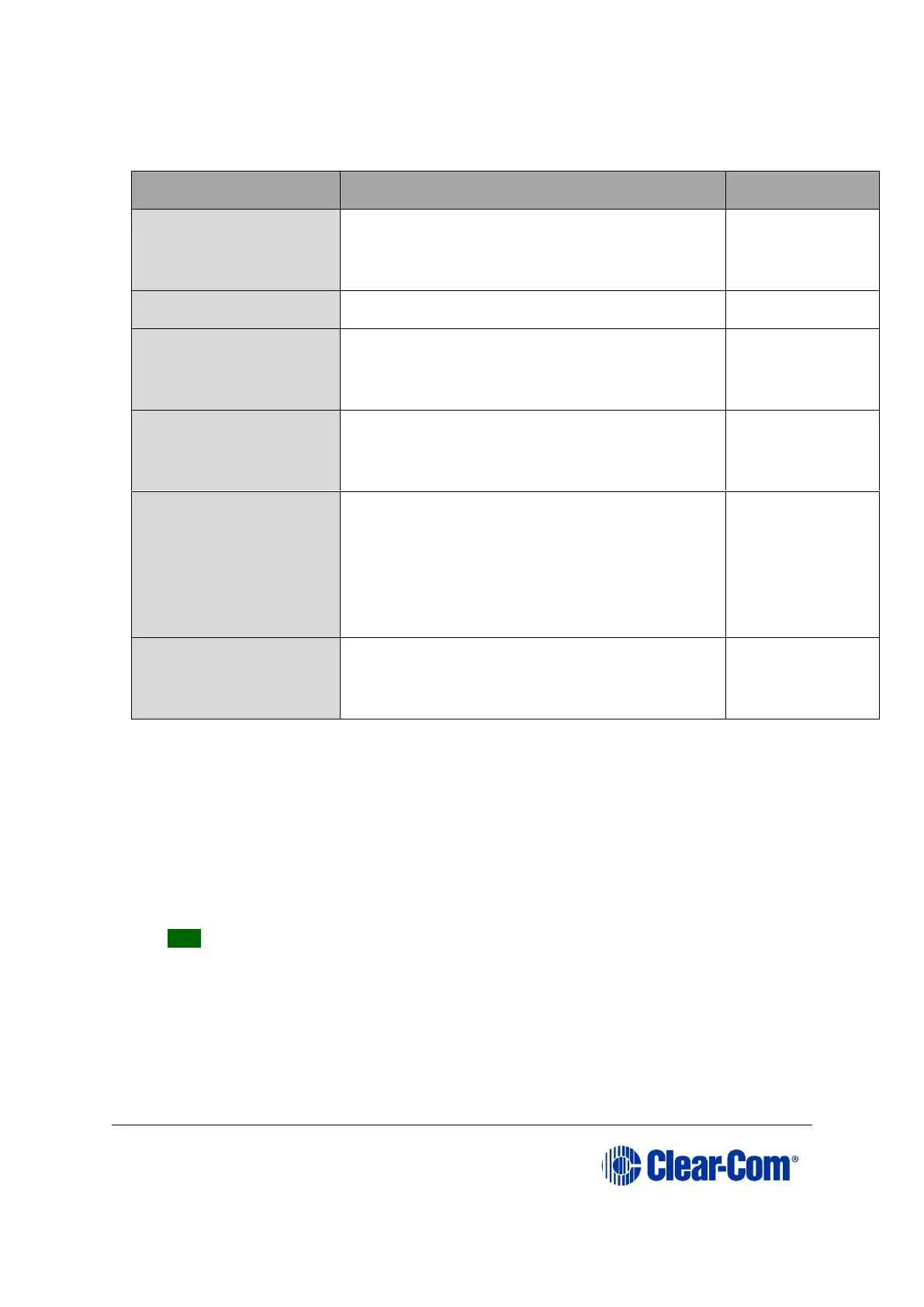
The following components of the V-Series panel can be upgraded either by EHX or
directly
This is the very first software which runs when
the panel starts. It initializes hardware and
then starts the kernel running.
The micro-Linux kernel binary.
The file system containing all the files used
and required by the kernel (servers, utilities,
etc).
The Clear-com software which actually runs in
the panel and is used by the system to
operate the panel.
Display module Boot
loader
Each bank of six displays forms a single
module. This module is a discrete hardware
component and like the panel itself, has its
software, which runs when the module is
started, which in turn initializes the module
and starts the display module application.
Display Module
Application
The software which actually operates the
module, which the panel communicates with
to get the displays to perform.
Table 14-5: Upgradeable V-Series components
Direct manual upgrades are described in this section.
Note:
EHX upgrades operate in the same way as all EHX based panel upgrades See 14.1
Upgrading panels using EHX.
To manually upgrade a V-Series panel:
1. Unpack and install the TFTPUtil application.
Tip: For more information about installing the TFTPUtil application on either 32
bit or 64 bit computers, see Appendix F:TFTPUtil.
2. When the TFTPUtil GUI program has been installed, you can find the program at
Start > Programs> TFTPUtil > TFTPUtil GUI.
Run TFTPUtil.



 To Next Page