entered.
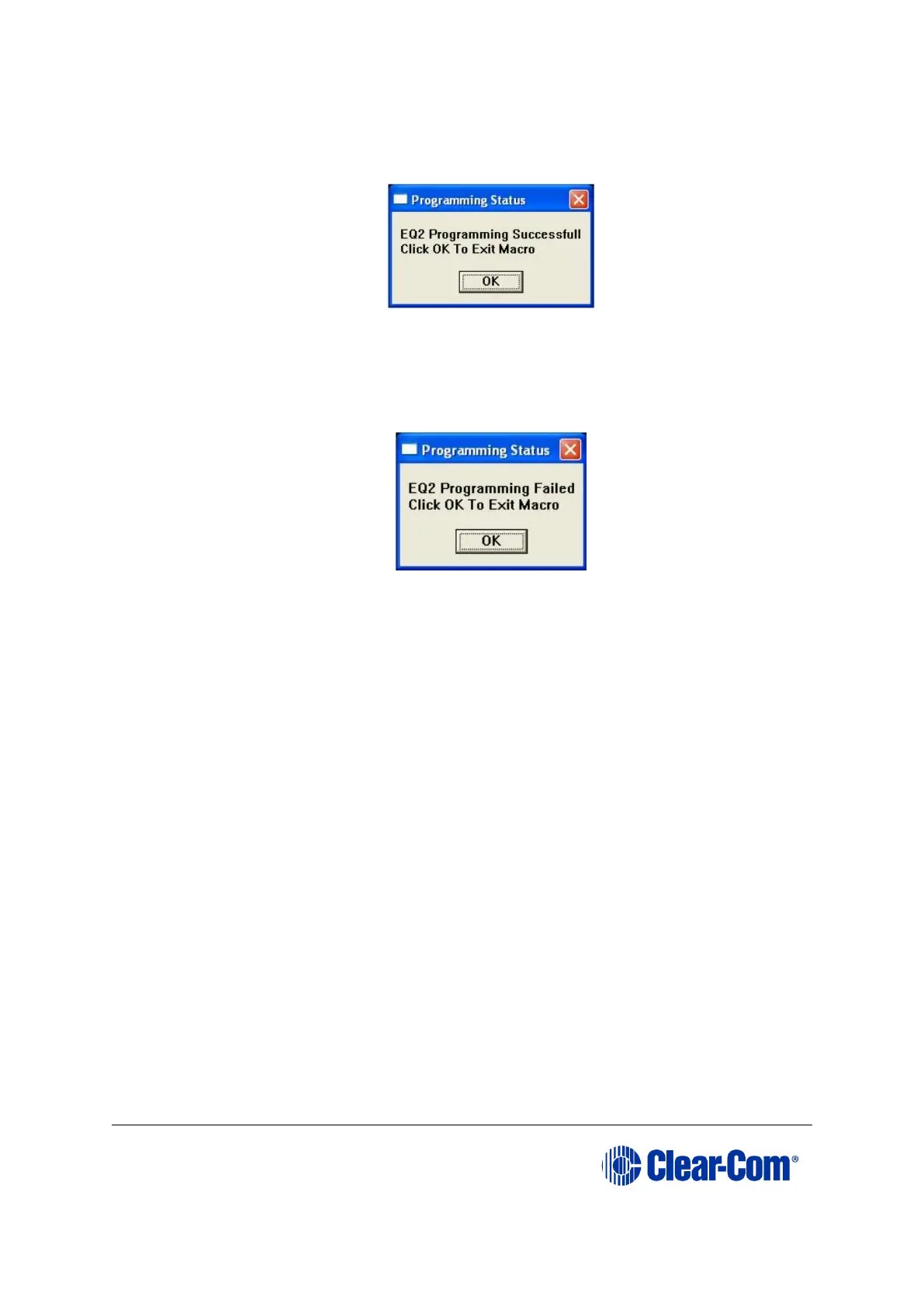
17. If the download is successful, the following dialog is displayed by Tera Term:
Figure 9-15: Successful download dialog
To exit the macro, click OK.
Note:
If the download was not successful, the following error dialog is displayed by Tera Term:
Figure 9-16: Failed download dialog
If you receive this message, you are advised to repeat the procedure from Step 6.
9.4 Upgrading the E-QUE card (MK1 and MK2) FPGA
with Xilinx tools
Note: Upgrading the E-QUE card FPGA using Xilinx tools requires specialized equipment. For
more information about the Xilinx programming tools, see Appendix J:Xilinx tools.
To upgrade the E-QUE card FPGA code with Xilinx tools:
1. Ensure that the latest versions of the Xilinx programming tools have been
installed.
2. Connect the USB connector of the download cable (Platform cable USB DLC9G) to
the USB port of the PC.
3. Connect the 14way IDC header to CON3100.
4. Power up the UUT and start the iMPACT programming tool.
5. In Load Project, select Cancel.
6. In Flows, double click Boundary Scan. Right click the main window and select
Initialize Chain / Ctrl+ I:



 To Next Page